
I’ve spent 26 years running Amazing eLearning with one goal: help everyday people learn technology and use it to improve their lives. I’ve taught Microsoft Office, Python, and countless other skills through my tutorials.
Not sure which AI to use? Try our free AI picker — answer two quick questions and get the right tool for the job.
Recently I started using something that honestly feels like the future I always imagined: a personal AI assistant called Muse. It’s not a chatbot you ask one question and forget. It’s an assistant that works for you in the background, every single day. Here’s what it actually does for me — and what it could do for you.
My mornings start with briefings, not inbox hunting
Every morning, Muse pulls my market newsletters into one concise brief right in chat. Twice a week it sends me a Meta AI development watch. Every Friday afternoon, a stock-picks roundup: what analysts are recommending, upgrades and downgrades, price target changes.
I used to spend 30+ minutes digging through emails. Now I read one message and ask follow-up questions like I’m talking to a research assistant.

It does the work while I’m away
I ask it to monitor things — website issues, market movers, reminders — and it checks on a schedule and reports back. When something needs my approval, it asks right from my iPhone’s notifications. I approve or deny without even opening the app.
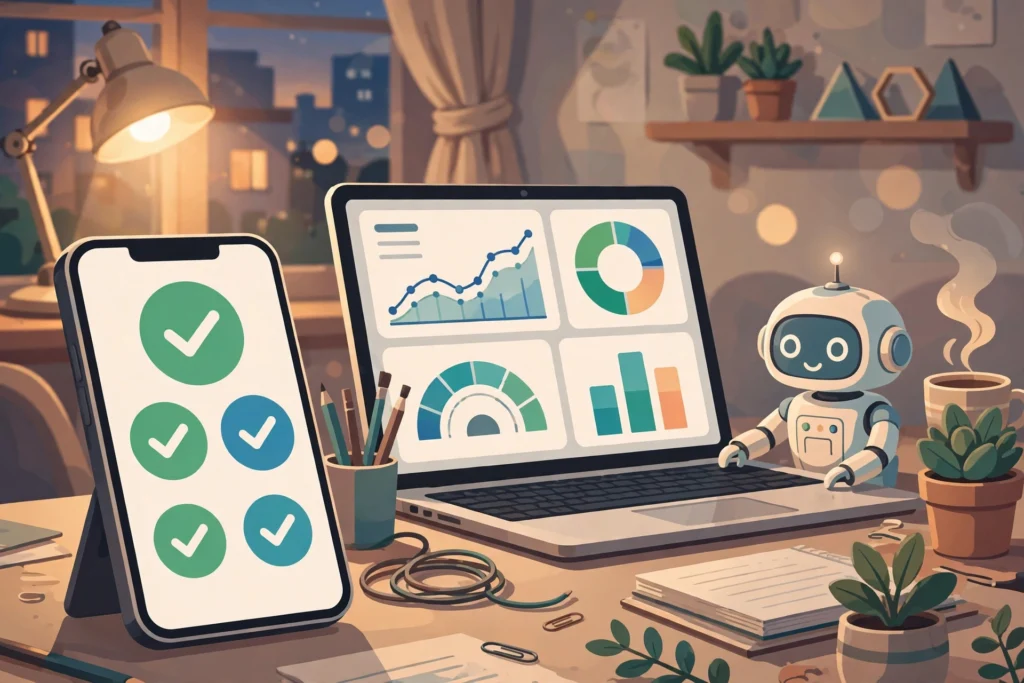
It’s on my iPhone and my MacBook
On the Mac, I press Option-Space and a little chat window appears over whatever I’m doing. I drop in a file, ask a question, get an answer, and keep working. On the iPhone, I dictate questions while I’m out. It reaches my calendar, reminders, notes, and files — with my permission, which I can change anytime.
What this means for you
You don’t need to be an investor. Here’s what a personal AI assistant does for regular people:
- Learn anything, anytime. Stuck on an Excel formula at 11pm? Ask and get a step-by-step answer. It’s like a tutor that never sleeps.
- Tame your inbox. It summarizes long email threads and newsletters into the few lines that actually matter.
- Plan and remember. Trip planning, reminders, shopping research, comparing options — hand it the boring research and get back the answer.
- Get things done on your computer. Organize files, draft documents, fill out forms, summarize articles.
How to try it
Muse is free to start, on iPhone, Android, Mac, and the web. Download the app, sign in, and just start talking to it like you’d talk to a capable assistant. The more you tell it about what you care about, the more useful it becomes.
Check out Muse, your personal AI agent
Redeem my code in Settings within 48 hours of joining and we’ll both get 1 billion Muse tokens. Code: KL40W0
When I started Amazing eLearning in 2000, my dream was to educate users with amazing eLearning tools. For the first time, AI is making that dream real — not just for my students, but for everyone. Try it and see what it does for your day.