


Artificial intelligence, or AI, is software that learns patterns from examples and uses those patterns to write, answer, sort, and predict. You have already used it: every time your phone sorts your photos, your email filters spam, or a map reroutes you around traffic. This guide explains what AI is, how it learns, which tools you will meet first, and how to try one yourself in 10 minutes, safely.
Not sure which AI to use? Try our free AI picker — answer two quick questions and get the right tool for the job.
Last checked: November 12, 2026. Prices and free plans change often, so check the official page of any tool before you pay for it.
What AI actually is
AI is not a robot with a mind of its own. It is ordinary software that has been trained on a very large number of examples until it can spot patterns and make good guesses.
Your email spam filter is a good example. It was shown millions of emails that people had marked as spam and millions they had kept. From those examples it learned the signs of junk mail: strange sender addresses, certain words, odd links. When a new email arrives, it compares it with what it learned and guesses: spam or not spam. It is right most of the time, and sometimes wrong. That is AI in one sentence: pattern-matching at a scale no person could manage.
A chatbot works the same way, on a much bigger scale. It was trained on enormous amounts of written text, so it learned how words usually follow each other. When you ask it to write a birthday message, it predicts the words most likely to fit. It does not know your friend, and it does not understand the message the way you do. It is predicting, not thinking. That difference matters, because it explains both what AI is good at and where it goes wrong.
AI is good at jobs that follow patterns: drafting, summarizing, sorting, translating, and answering questions that have been asked before in some form. It is weak at jobs that need real judgment, real knowledge of your life, or facts it has never seen. Keep that split in mind and you will use it well.
How AI learns: neural networks in plain language
The engine inside most modern AI is called a neural network. The name sounds technical, but the idea is simple.
Picture a child learning to spot a cat. You show her a photo and say “cat.” Then another, and another. After a few dozen photos, she can point at a cat in a new photo she has never seen. A neural network learns the same way, except it sees millions of examples instead of dozens, and it works through layers.
Each layer looks for something simple. The first layer notices edges and light and dark patches. The next layer combines those into shapes: ears, whiskers, fur. A later layer puts the shapes together and says, “this looks like a cat.” Every time the network guesses wrong during training, it adjusts itself a little, so the next guess is better. After enough practice, it gets good.
That is why AI can do things that look clever, like writing a poem or describing a photo. It is not following a list of rules written by a programmer. It learned the patterns from examples.
It also explains AI’s main weakness. A network only knows what it has been shown. If it was trained mostly on photos of cats indoors, it may fail on a photo of a cat up a tree. If it was trained on text that contains mistakes, it can repeat those mistakes with confidence. More and better examples make it better; bad examples make it worse. When an AI gives you a wrong answer, this is usually why: it matched a pattern that looked right but was not.
You do not need to remember how the layers work. Remember this instead: AI learns from examples, it guesses based on patterns, and it can be confidently wrong.
The three kinds of AI you will meet
You will meet AI in three forms. Knowing which one you are dealing with helps you use it properly.
1. Chatbots you talk to
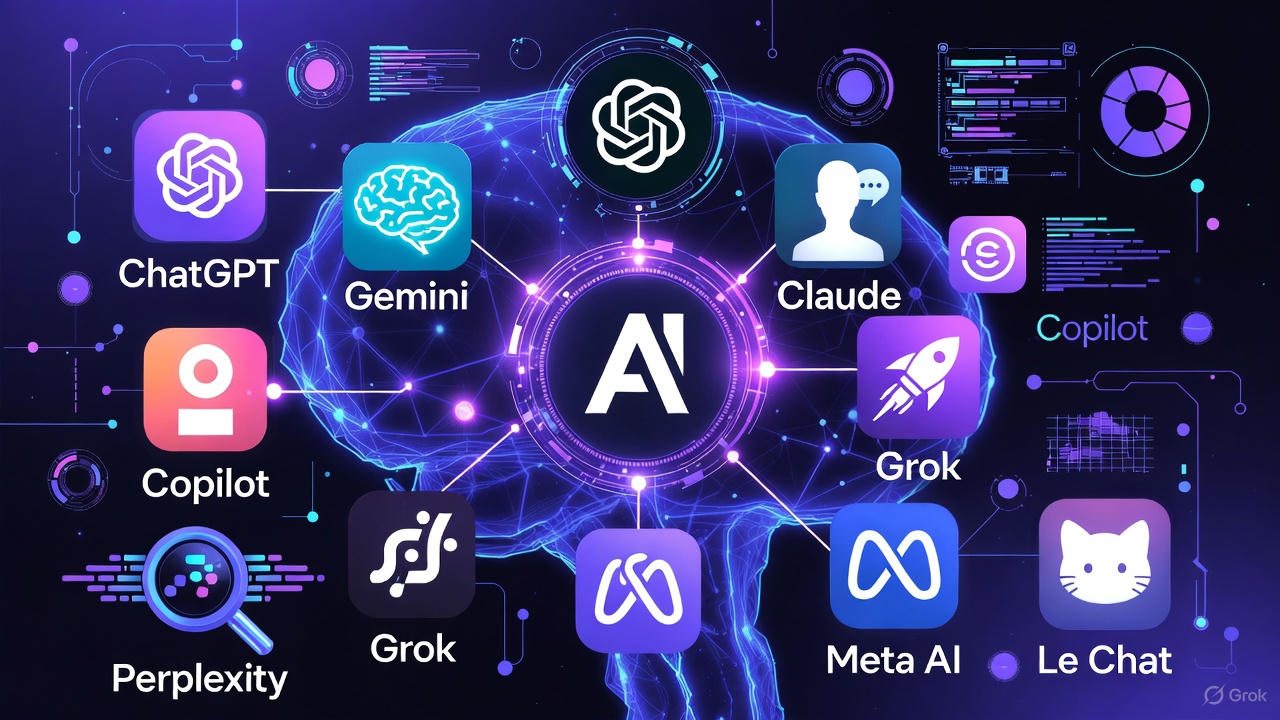
A chatbot is a website or app where you type a question and get an answer back. ChatGPT, Claude, Gemini, Copilot, and Grok are the big names. You can ask them to explain something, draft an email, plan a meal, or summarize a long document.
Try this prompt to see what one does:
“Write a polite email to my landlord about a leaking tap, asking for a repair this week.”
You will get a finished draft in seconds. You can then say “make it shorter” or “make it firmer” and it will revise it. The chatbot is a drafting partner, not an expert. You stay in charge of what gets sent.
2. AI built into apps you already use
Most AI never introduces itself. It sits inside tools you already have: your phone’s photo app removing a stranger from a picture, your map app predicting traffic, your bank flagging a purchase that looks like fraud, your email sorting newsletters into a folder. You do not open an “AI app.” The AI is a feature inside an app you trust.
This is the AI most people use most often, and it asks nothing of you. It is also the hardest to notice, which is why it helps to know it is there: when your photos sort themselves or your inbox tidies itself, that is AI doing pattern-matching for you.
3. AI agents that carry out jobs
An AI agent goes one step further than a chatbot. Instead of only answering, it plans and does multi-step work: compare flight prices, draft a reply, check your calendar, and book the meeting. Agents are new, and they are still learning. Because an agent acts on your behalf, always check what it did before it spends money or sends anything in your name. For a fuller explanation, see What Are AI Agents?
The five chatbots, side by side
If you are starting out, you do not need five tools. You need one. All five below have a free version, and for learning, free is enough. Pick the one that fits the accounts you already have.
| Tool | Free version | Best for | Get it at |
|---|---|---|---|
| ChatGPT (OpenAI) | Free, with unlimited everyday text chat | A good all-rounder for questions, writing, and ideas | chatgpt.com |
| Claude (Anthropic) | Free, with limits on how much you can use it | Long writing and careful editing | claude.ai |
| Gemini (Google) | Free with a Google account | Handy if you already use Gmail, Docs, or Drive | gemini.google.com |
| Copilot (Microsoft) | Free on the web, in Edge, and in the app | Handy if you use Windows or Microsoft 365 | copilot.microsoft.com |
| Grok (xAI) | Free on grok.com and inside X | Live news and what people are saying right now | grok.com |
Each one also sells a paid plan, roughly $8 to $20 a month, which raises the limits. As of November 2026: Grok Plus is $8 a month and Premium is $30; ChatGPT Go is $8 and Plus is $20; Claude Pro is $20; Gemini’s paid plans start at $4.99; Copilot inside Word, Excel, and Outlook needs a Microsoft 365 plan from $9.99 a month. Do not pay for any of these yet. Start free, and pay only if you hit a limit every week doing the same kind of work.
If you cannot decide, use the free picker on this site: answer two quick questions and it points you to the right tool for your job — Which AI Should I Use?
Try one safely in 10 minutes
You learn AI by using it, not by reading about it. Here is a 10-minute first try.
- Open chatgpt.com or gemini.google.com and create a free account with an email address and a password you do not reuse anywhere else.
- Ask: “Explain what a mortgage is in plain language, as if I am 12 years old.”
- Follow up: “Now give me a 5-item checklist for buying my first home.”
- Ask it to draft something real: “Write a short thank-you note to a neighbour who watered my plants while I was away.”
- Check one fact it gave you against a source you trust, such as the website of your bank or local council.
Four safety rules for every time you use a chatbot:
- Never paste passwords, bank details, addresses, or medical records. A chatbot is not a safe place for private information.
- Treat answers as a first draft, not a final answer. Check anything that affects money, health, or legal decisions.
- Free plans may use your chats to improve their products. Do not share anything you would not want read back.
- If a site asks you to pay, stop. The free version is enough to learn with. Pay only when you have a clear reason.
What AI gets wrong
AI makes mistakes, and it makes them confidently. The most common ones:
- It invents facts. Ask for a local shop’s opening hours and it may give you hours that sound right but are not real. Check the shop’s own website.
- It can be out of date. Its training data has a cutoff, so it may not know about a new law, a new price, or a recent event. For anything current, ask it to search the web, or check a live source yourself.
- It repeats bad patterns. If the text it learned from contains wrong or unfair ideas, it can repeat them. Do not take its word on medical, legal, or financial questions.
- It is bad at counting and maths. Ask it to add up a long bill and check the total yourself.
A simple rule covers all four: use AI for drafts and ideas, and use your own judgment for facts, money, and health. When an answer matters, check it with a source you trust.
Where to learn next
You now know enough to start. Three things will take you further:
- Pick your tool. Use the free AI picker to match a tool to the job you want to do.
- Learn to ask better questions. Three small habits change the answers you get. See 3 Simple Prompting Habits That Transform Your ChatGPT Answers.
- Understand agents. When you are ready for tools that do jobs instead of just answering, read What Are AI Agents? and Which AI Agent Should You Try First?
- Go deeper with ChatGPT — the free ChatGPT Bootcamp for Beginners (14 lessons) walks through setup, prompting, and everyday uses.
Your next step takes two minutes: answer two quick questions in the free AI picker and try the tool it suggests. Then, if you want to see how the software behind AI is built, the free Python course teaches it from zero, no experience needed.
Dante Chu is the founder of Amazing eLearning, where he teaches practical AI, Excel, and online learning skills. He has spent 20 years building interactive learning tools, from Flash courses to AI-powered apps.
Leave a Reply