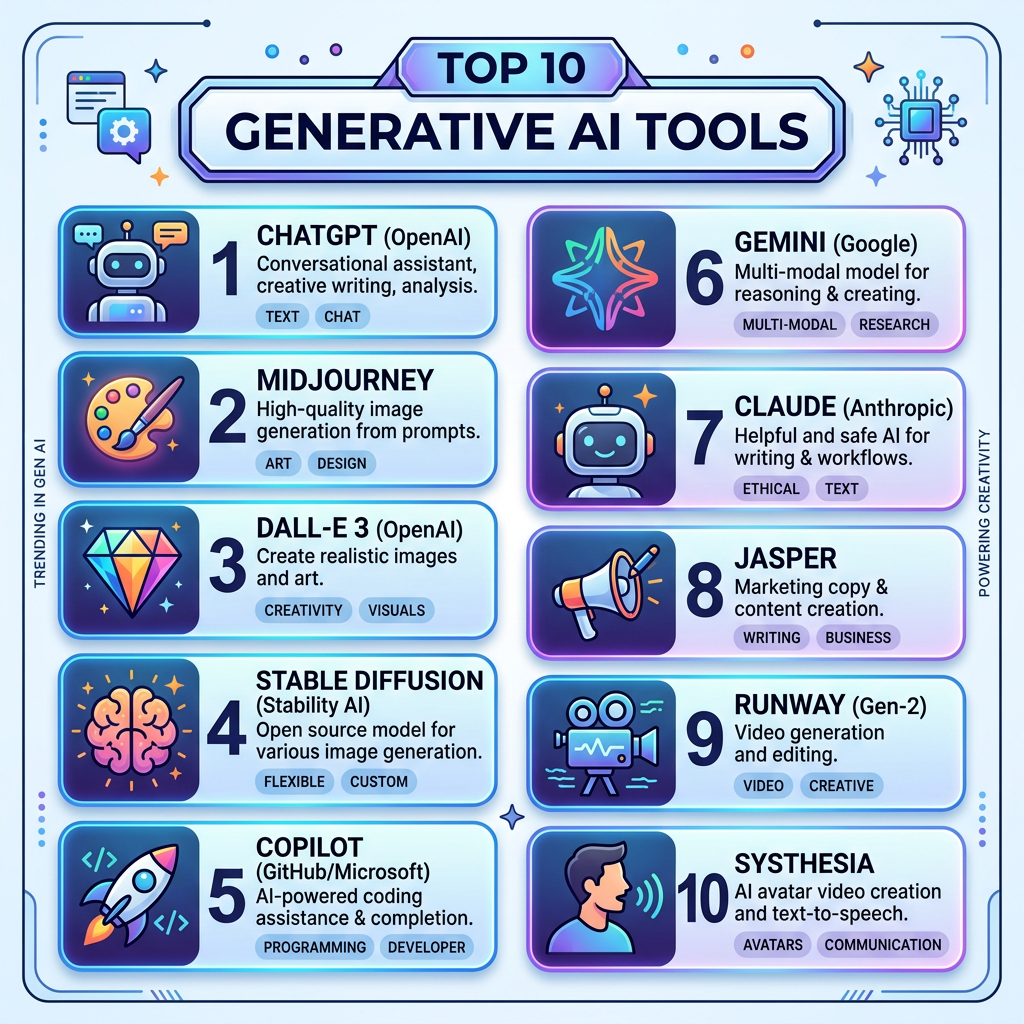
You do not need dozens of AI tools. In fact, collecting tools is one of the easiest ways to waste time instead of saving it. What actually helps is a small handful of tools that solve real, everyday problems — the annoying, repetitive stuff that quietly eats your week.
Not sure which AI to use? Try our free AI picker — answer two quick questions and get the right tool for the job.
Think about where your hours go. Designing a simple graphic that takes you forty-five minutes. Copying information from one app to another. Staring at a calendar trying to find a meeting time. Answering the same customer questions over and over. None of this is difficult work, but it adds up — and it is exactly the kind of work AI tools are good at taking off your plate.
In the video below, I walk you through ten beginner-friendly AI tools, one by one, so you can see what each one does and decide which ones are worth your time. Press play to watch the full guide.
The tools, in plain English
1. ChatGPT. ChatGPT is the most versatile AI assistant on the list. Ask it questions, have it draft emails and summaries, or brainstorm ideas with it — it is the best everyday starting point for a beginner.
2. Gemini. Gemini is Google’s AI assistant and a strong choice for research. If you already live in Gmail, Google Docs, or Google Search, it slots naturally into the tools you use every day.
3. Perplexity. Perplexity is like a search engine that gives you a straight answer instead of ten blue links. It shows its sources beneath the answer, so you can check exactly where the information came from.
4. NotebookLM. NotebookLM is Google’s research assistant for your own documents. Upload your notes, PDFs, or articles, then ask questions about them — it answers using only your material, which keeps things accurate and focused.
5. Canva AI. Canva is a simple design app, and its AI features help you create social media graphics, presentations, and flyers in minutes. Describe what you want, and it drafts the layout for you.
6. Adobe Firefly. Adobe Firefly creates images from text descriptions. Need a picture for a presentation, a post, or a handout? Type what you imagine, and it generates one for you — no design skills needed.
7. ElevenLabs. ElevenLabs turns written text into realistic-sounding voiceovers. If you make videos, courses, or presentations, it can narrate them for you — no microphone or recording studio required.
8. Claude. Claude is another AI assistant, and it particularly shines at longer writing. Many people find its articles, reports, and careful explanations read naturally and stay well organized.
9. Microsoft Copilot. Microsoft Copilot is the AI assistant built into Microsoft’s tools like Word, Excel, and Teams. If your workday runs on Microsoft 365, it can summarize documents, draft content, and analyze numbers right where you already work.
10. Gamma. Gamma builds presentations from a single prompt. Describe your topic, and it creates a polished slide deck in minutes — a real lifesaver the night before a meeting.
Where to start
Here is my honest advice: do not try all ten this week. Pick ONE tool tied to ONE real annoyance. Ask yourself: what is the one repetitive task that bothers me most right now? If it is designing graphics, start with Canva AI. If it is research, start with Perplexity or NotebookLM. If presentations eat your evenings, try Gamma.
Give that single tool two weeks. Use it for real work, not just a quick test. Once it is genuinely saving you time, then — and only then — consider adding a second one. Slow and steady beats signing up for everything on day one and using none of it.
A quick example to make this concrete: imagine your biggest weekly annoyance is writing social media captions for your small business. Then Canva AI, with a little help from ChatGPT for the wording, is your one tool for two weeks. Time yourself for a week before and a week after. If you save even an hour a week, that is four hours a month back in your life — from a single tool. Small wins like that are how real productivity habits get built.
And if you would like a guided start with the most versatile tool on the list, our free ChatGPT Bootcamp course takes you from your first prompt to confident everyday use, step by step.