*👩🏼💻 Want to build *your* custom app? Book a 1:1 coaching session with me:*
→ https://calendly.com/antonina-youraiworkflow
*⚙️ Get 1,000 FREE Make.com Credits:*
→ https://www.make.com/en/register?pc=youraiworkflow
*👉 For Services/Collaborations:*
→ Email: [email protected]
→ WhatsApp: https://wa.me/34632407883
*▶️ How to Set Up a Public Storage Bucket (for images/icons):*
→ https://www.youtube.com/watch?v=k_tykH-vg8s (Timestamp 3:32)
—–
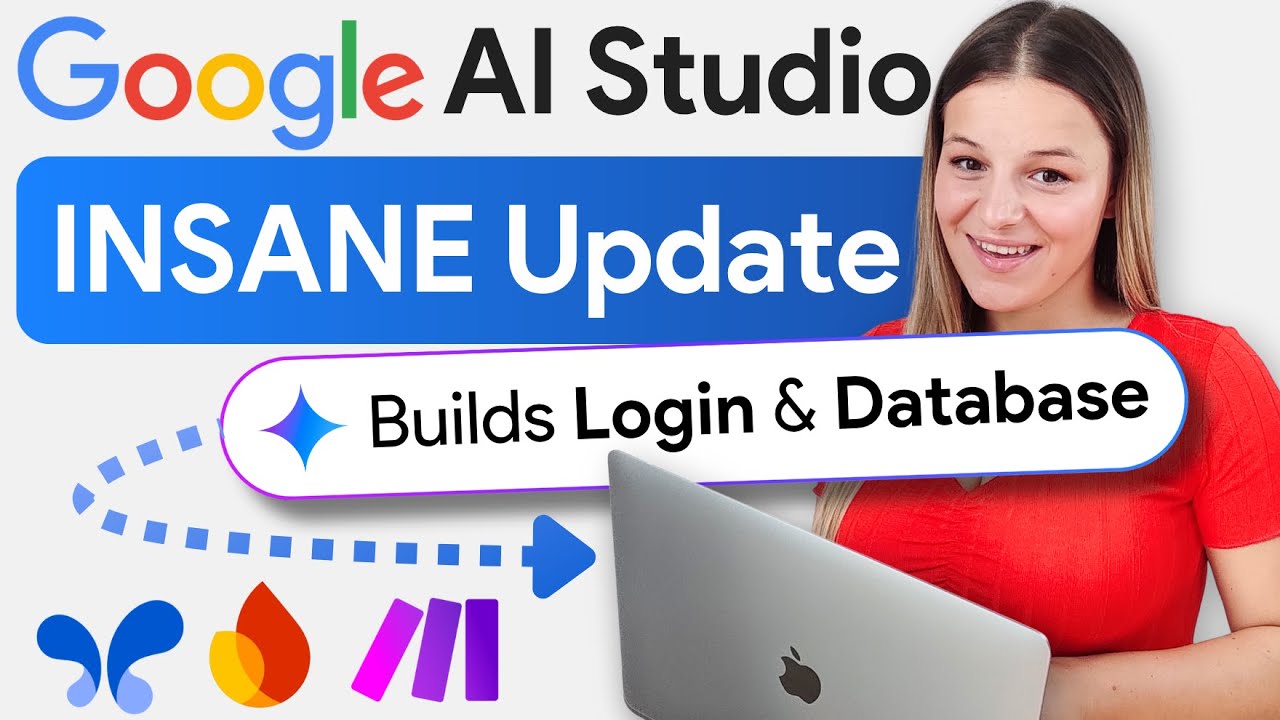
Google AI Studio has just been completely transformed. You can now build fully reliable, full-stack apps with real backend features—and it’s completely free.
In this video, I show you how to build two unbelievable apps from scratch: a YouTube summarizer with a saveable history and an “all-in-one” personal notification hub that pulls in emails, calendar events, and new videos from your competitors. You’ll learn the complete workflow from front-end to database, saving hundreds on AI subscriptions.
✨ **WHAT YOU’LL LEARN IN THIS VIDEO: ✨**
**App 1: AI YouTube Summarizer**
🤖 **Build the Front-End:** Prompt a multi-page app in Google AI Studio.
🔐 **Add Authentication:** Integrate Firebase to add secure user sign-in and registration.
🗃️ **Create a Database:** Set up a Firestore database to store user info and video history.
🔗 **Connect the Back-End:** Use Make.com to create AI features (summary & transcript) and save them to the user’s personal history.
**App 2: All-in-One Notification Hub**
🔔 **Prompt the UI:** Design a custom dashboard to display notifications from multiple sources.
⚙️ **Build a Multi-Source Backend:** Set up Make.com automations to “watch” for new Gmails, Google Calendar events, and new YouTube videos.
🔄 **Link Firestore:** Automatically save all incoming notifications to your Firestore database in real-time.
📤 **(Optional) Add Email Sending:** Build a feature to reply to emails directly from your new app.
—–
⏰ **TIMESTAMPS**
00:00 – Intro: The 2 Full-Stack Apps We’re Building
**App 1: AI YouTube Summarizer Tool**
01:02 – **01:** Build the Front-End in Google AI Studio (The Prompt)
02:23 – **02:** Setting Up Firebase (Create Project, App & Get SDK Code)
03:03 – **03:** Build Firebase Authentication (Email & Password)
03:33 – **04:** Add Login & Registration to AI Studio (The Prompt)
04:25 – **05:** Building the Firestore Database (Collections & Sub-collections)
05:58 – **06:** Setting Up Secure Firebase Security Rules with AI
06:40 – **07:** Link AI Studio to Firestore DB (Save User History)
08:06 – **08:** Build AI Features (Summary & Transcript) in Make.com
**App 2: All-in-One Notification Hub**
13:27 – **01:** Prompting the Notification Hub Front-End
15:13 – **02:** Set Up Firebase & Firestore Database Structure
16:00 – **03:** Setting Up Notification Scenarios in Make.com
17:05 – — How to Authenticate Google Cloud Firestore in Make.com
22:13 – **04:** Link Firestore to AI Studio to Display Notifications
24:55 – **05:** (Optional) Adding Email Sending from the App
25:27 – Outro & My 1:1 Coaching
#GoogleAIStudio #Firebase #MakeCom #NoCode #FullStackApp #AIAppBuilder #GeminiAI #AIAutomation #BuildWithAI #TechTutorial
source