
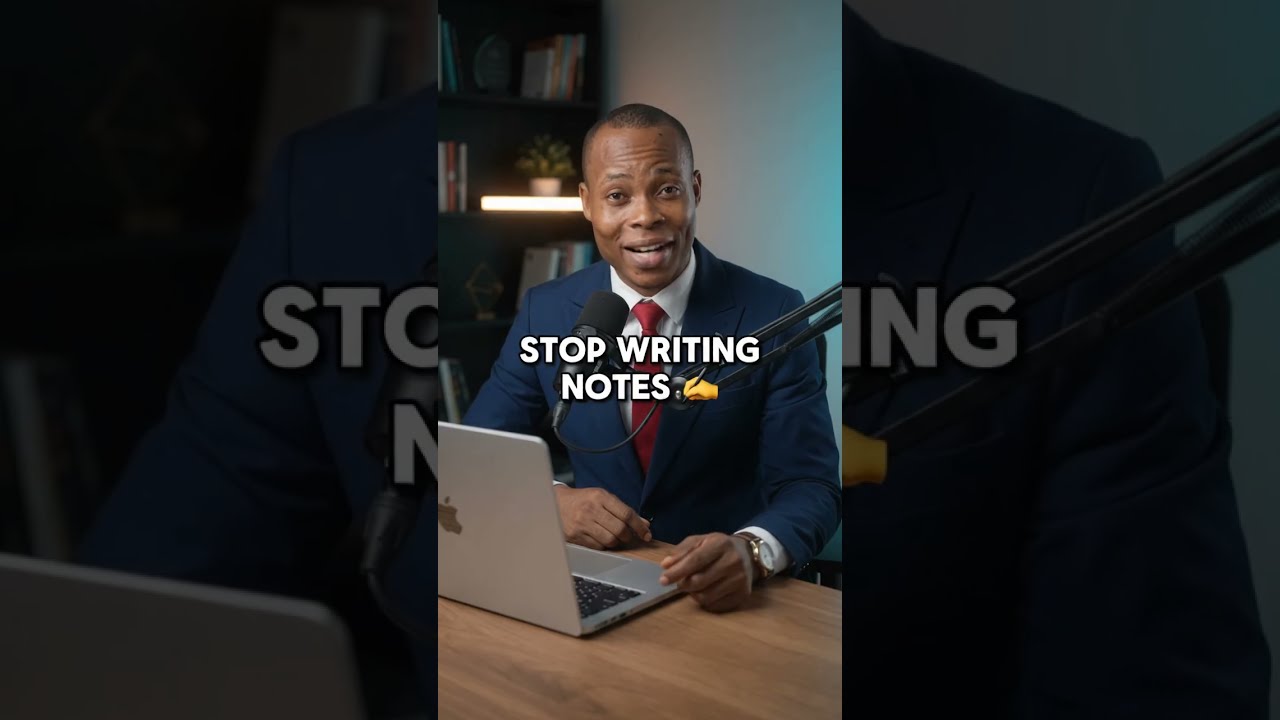
What if you could listen to an online lesson while your notes are automatically typed into Google Docs?
In this short video, I demonstrate a simple workflow that captures lesson audio playing in Chrome, routes it through Stereo Mix as a microphone input, and uses Google Docs Voice Typing to produce a live transcript.
How the workflow works
🎧 The lesson plays in Chrome
🔀 Windows mirrors the system audio through Stereo Mix
🎙️ Chrome receives Stereo Mix as the microphone input
📝 Google Docs Voice Typing converts the speech into text
☁️ The transcript is automatically saved in Google Docs
This is a practical example of workflow automation—connecting existing tools so repetitive tasks can handle themselves.
You don’t always need to know how to code to begin using automation. Start by understanding how digital tools connect, identify repetitive activities, and design a workflow that reduces manual effort.
This approach can help:
Students concentrate while attending audio lessons
Young professionals document webinars and training sessions
Freelancers capture important learning material
Entrepreneurs explore practical applications of AI and automation
Follow for more AI and workflow-automation ideas for students, freelancers, entrepreneurs, and young professionals.
Always respect course-access rules, copyright restrictions, privacy requirements, and applicable consent laws when transcribing recorded material.
#AI #WorkflowAutomation #LiveTranscription #GoogleDocs #StudySmarter #AITools #Productivity #NoCodeAutomation #DigitalSkills #StudentProductivity #FutureOfWork #YoungProfessionals #Freelancers #Entrepreneurs #YouTubeShorts
source
Leave a Reply