

Last month I opened my AI assistant and it greeted me with something I never told it — at least, not that day. It picked up a thread from weeks earlier, remembered a project I was working on, and suggested we continue. It was helpful. It was also a little strange, like running into a store clerk who remembers exactly what you bought two months ago.
Not sure which AI to use? Try our free AI picker — answer two quick questions and get the right tool for the job.
Here’s what I’ve come to understand: the AI assistants of 2026 don’t just answer your questions anymore. They remember you. ChatGPT, Claude, Gemini, Meta’s Muse — all of them now keep notes about you between conversations, and most of them turned this feature on by default.
That’s genuinely useful, and it’s also something worth understanding. Let me walk you through it in plain English.
What “memory” actually means here
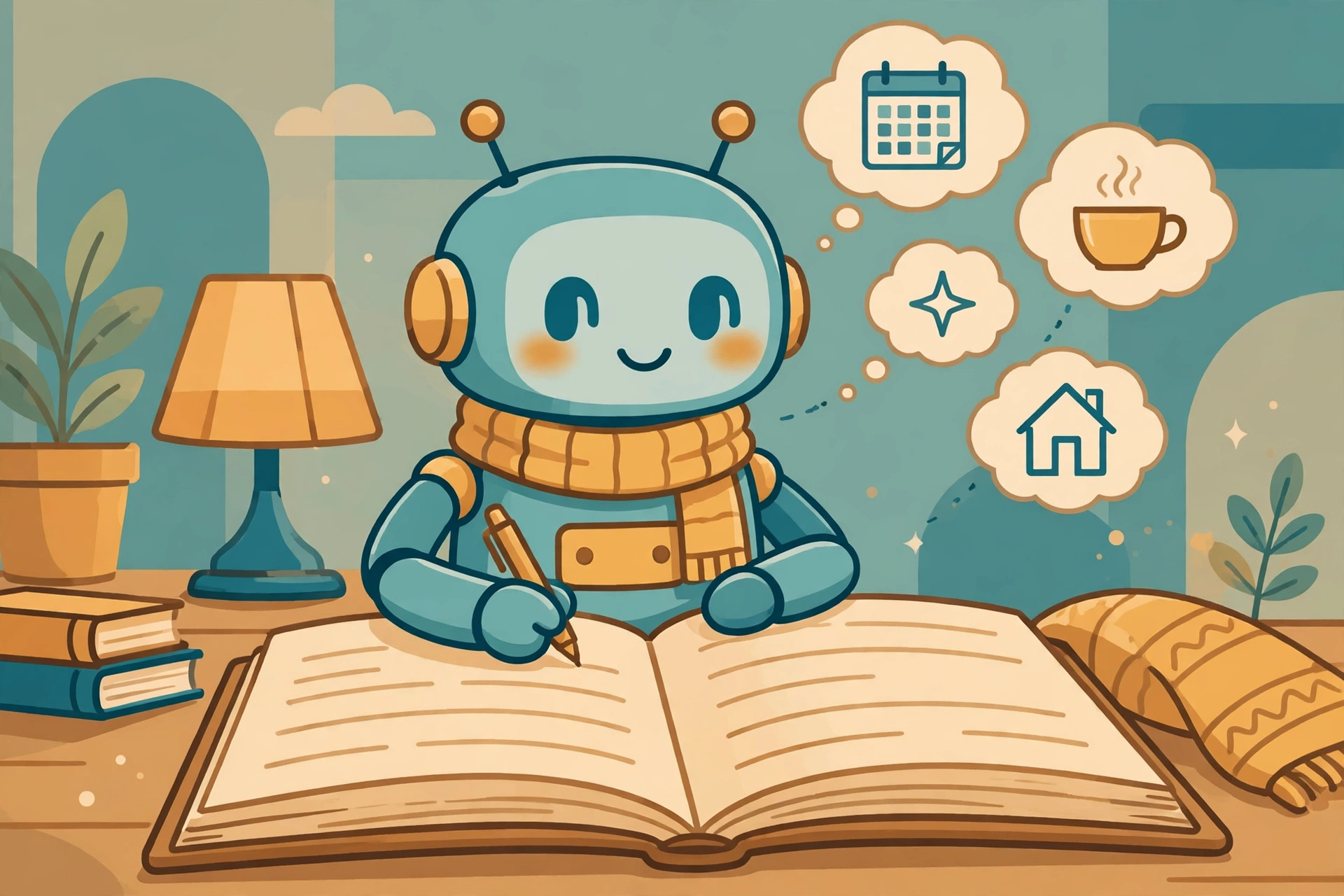
When companies say their AI “remembers,” they’re not describing a human brain. Think of it more like a notebook the assistant keeps about you. While you chat, it jots down things it thinks will be useful later: your name, your preferences, facts you’ve mentioned, projects you’re working on, how you like your answers formatted.
OpenAI started saving memories back in 2024 — little notes like “prefers bullet points” or “works on a tai chi app.” In June 2026 it took this further with something it calls Dreaming: the system quietly reviews your old conversations in the background and builds a fuller picture of you, the way you’d reorganize a messy notebook into neat sections.
Anthropic did something similar for Claude. In August 2026 it unified memory across Claude’s chat and its Cowork agent, so context you build in a conversation carries into your agent projects. Google’s Gemini has its own version, with a “remember” prompt you can use to save a detail deliberately. And Meta’s Muse — the personal agent that launched in the US last September — keeps a memory file you can actually open and read yourself, like a diary of what it knows.
Different flavors, same idea: your assistant is building a profile of you, note by note.
The good side: why this is genuinely useful
Before we get to the cautions, let me be honest about the upside, because I feel it every day.
I don’t have to re-introduce myself. When I ask Claude to help with a document, it already knows I write tutorials for everyday learners, not engineers — so the tone comes out right the first time. When I plan a trip with an agent, it remembers I’d rather take a direct flight than save forty dollars with a layover. It remembers the projects I’m in the middle of, so “let’s pick up where we left off” actually works.
This is the real convenience of 2026’s AI: the first conversation teaches it, and the tenth conversation benefits. If you’ve ever wished a helper could just get to know you instead of starting over every time, that’s exactly what this is.
The other side: every assistant keeps its own version of you
Now the part nobody puts in the advertisements. Each assistant keeps its own separate notebook, and they don’t share.
The preferences you taught ChatGPT don’t reach Claude. The memory Gemini built from your Google life stays inside Google. Claude’s notes about your writing style don’t help you in Copilot. So if you use two or three AI assistants — and many of us now do — you’re training a separate “you” inside each one, and repeating yourself more than you’d expect.
There’s a second wrinkle: memories can go stale. The assistant might remember “planning a trip to Singapore” months after you came home. ChatGPT’s Dreaming system is supposed to catch this — one example I read about had it revise “going to Singapore” to “went to Singapore” after the trip — but no system gets this right every time. A memory that’s out of date can quietly steer answers in the wrong direction.
And then there’s the plain truth of where these notes live: on the company’s servers, not on your device. That’s how it works when the assistant needs your memory on your phone, your laptop, and the web — but it’s worth knowing.
Your five-minute memory checkup
Here’s the practical part — the bit I’d do over coffee if we were sitting together. Once in a while, peek at what your assistant thinks it knows about you. Every major app now gives you a way to look, edit, and delete.
ChatGPT: Settings → Personalization → Memory. You’ll see your saved memories as a list — read through it, delete the stale ones, and add ones you want it to keep. There’s also a separate switch for whether it can reference your chat history. And when you want a conversation that leaves no trace, use Temporary Chat — nothing is read from or written to memory.
Claude: Settings → Memory. It’s on by default for the Free, Pro, and Max plans. If you turn it off, it asks whether you want to pause (keep what’s stored but stop using it) or reset (delete everything for good). Claude says it keeps sensitive topics — health details, political views, religious beliefs — out of memory unless you opt in.
Gemini: Settings → Personal Intelligence → Memory. You can review and delete what it remembers, and you can deliberately save a detail by telling it “remember this.” Its Temporary Chat keeps a conversation for up to 72 hours for safety, then drops it.
Meta’s Muse: open the Assistant icon → Identity → Memory, and you get an actual file you can read and edit — the most transparent version of the bunch.
Two habits that cost nothing: first, use a temporary or incognito chat for anything you wouldn’t want in a notebook — account numbers, medical details, private conversations. Second, every few months, skim the memory list and delete what’s wrong or old. Think of it like cleaning out a desk drawer.
What this means for you
AI memory is neither a miracle nor a scandal — it’s a notebook. Notebooks are wonderful when the notes are right, and a small mess when they’re not. The shift this year is that the notebook now writes itself, and most of us never opened it.
So here’s my suggestion: this week, open yours. Five minutes in the settings, one look at what your assistant believes about you. Keep what’s useful, delete what’s stale, and decide what you’d rather not have written down at all. The assistant that remembers you can be a genuinely better helper — and the best part is, you get to be the editor.

Leave a Reply