

Description
What You Get
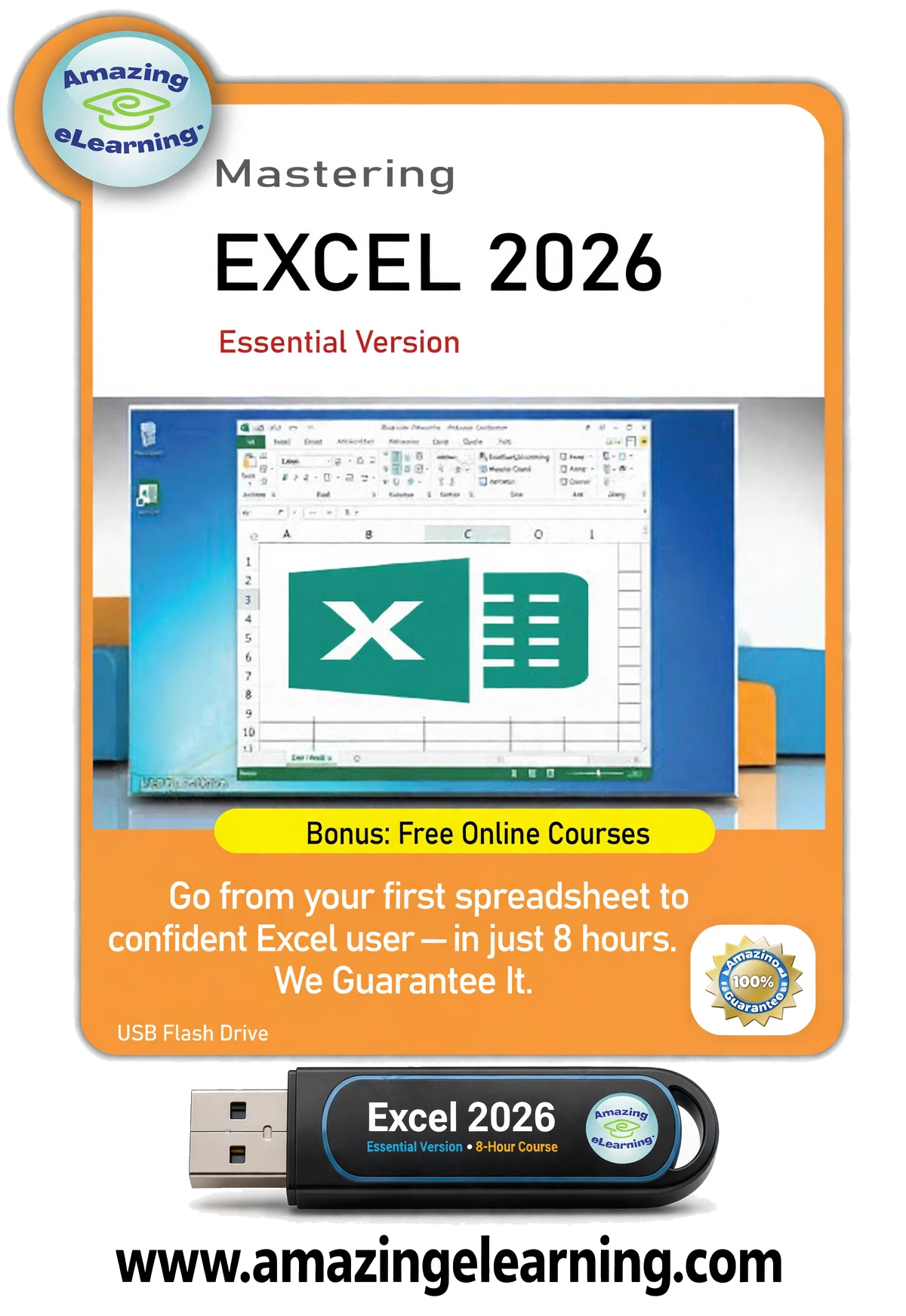
- The complete Excel 2026 – Beginner course on one USB drive
- 45 video lessons in 10 modules
- Works on Windows PC and Mac
- Plays offline: no internet needed to watch the lessons on the USB
- Online access included
- One-time purchase. No monthly fee. Yours to keep.
- Ships within 1-2 business days. $8.95 flat-rate shipping in the US, $15.00 to Canada. Shipping details
- 30-Day Money-Back Guarantee
Not sure it’s for you? Watch the first lessons free, no sign-up needed.
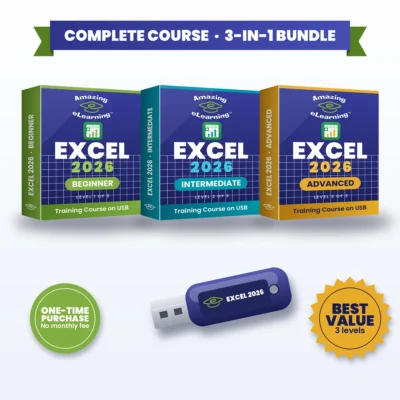
Want all three levels? Get the Excel 2026 Complete 3-in-1 Bundle for $69.95 and save $34.90.
Trusted since 2005 · 9,000+ items sold · 100% positive eBay feedback · See our eBay reviews
Excel 2026 – Beginner: Learn Microsoft Excel (M365) from the Ground Up, on USB
Microsoft Excel (M365) is a powerful tool for managing, analyzing and presenting data. In this course, you’ll build confidence by learning how to create, format and organize spreadsheets from the ground up. Whether you’re handling budgets, tracking tasks or preparing reports, this beginner course gives you the practical skills to use Excel effectively in real-world situations.
Why You’ll Love It
- One-time purchase. No monthly fee. No subscription. Yours to keep.
- Easy-to-follow introduction to Microsoft Excel (M365)
- Practical lessons for real-world tasks
- 10 modules that build step by step, from your first workbook to printing and templates
- The complete course on a USB drive
What You’ll Learn
- Essential formulas and functions: SUM, MIN, MAX, AVERAGE, COUNT and COUNTA
- Cell references, relative vs. absolute references and order of operations
- Entering, editing, sorting and organizing data, including dates and times
- Organizing and formatting data: borders, number formats, cell styles and conditional formatting
- Working with worksheets: moving, copying, hiding, renaming and duplicating
- Adding visuals with images, shapes and SmartArt
- Printing and page layout tips
- Time-saving shortcuts and templates
What’s Inside
Module 1 – Getting Started with Excel
- Welcome to Microsoft Excel (M365)
- Understanding Spreadsheets
Module 2 – First Steps in Excel
- Opening Excel and Creating Workbooks
- Exploring the Start Screen
- Navigating the Excel Workspace
- Quick Access Toolbar Essentials
- Working with the Ribbon
- Creating New Workbooks
- Saving and Managing Files
- Opening Existing Files
- Time-Saving Keyboard Shortcuts
Module 3 – Entering and Editing Data
- Typing and Editing Text
- Entering and Formatting Numbers
- Handling Dates and Times
- Find, Replace, and Select Tools
- Sorting and Organizing Data
- Using Cell References
- Relative vs. Absolute References
- Order of Operations in Formulas
Module 4 – Essential Excel Functions
- How Functions Work
- Using SUM Effectively
- Finding Minimum and Maximum Values
- Calculating Averages
- Counting Data with COUNT and COUNTA
Module 5 – Working with Worksheets
- Moving and Copying Data
- Adding and Removing Rows and Columns
- Adjusting Column Widths and Row Heights
- Hiding and Unhiding Worksheet Elements
- Renaming Worksheets
- Deleting Worksheets
- Duplicating Worksheets
Module 6 – Formatting Your Data
- Adding Borders to Cells
- Formatting Numbers and Percentages
- Merging and Centering Content
- Exploring Cell Styles
- Intro to Conditional Formatting
Module 7 – Visual Elements in Excel
- Inserting Images and Shapes
- Creating with SmartArt
Module 8 – Printing and Page Layout
- Print Preview Basics
- Adjusting Margins, Scaling, and Orientation
- Printing Workbooks
Module 9 – Templates in Excel
- Getting Started with Templates
- Using Built-In Templates
- Designing Custom Templates
Module 10 – Wrapping Up
- Course Summary & Next Steps
Who It’s For
- Anyone new to Microsoft Excel (M365) who wants to build confidence from the ground up
- People who handle budgets, track tasks or prepare reports
- Anyone who wants practical Excel skills for work or personal tasks
Frequently Asked Questions
Do I need any Excel experience?
No. The course starts with an introduction to Excel and the basics of rows, columns and cells.
Is there a monthly fee or subscription?
No. It’s a one-time purchase with no monthly fee. The USB is yours to keep.
Does it include Microsoft Excel?
No. This is a training course. Microsoft Excel (Microsoft 365) is sold separately by Microsoft.
What comes after Beginner?
Excel 2026 – Intermediate, then Excel 2026 – Advanced. The Complete 3-in-1 Bundle includes all three.
Which level should I choose?
Beginner if you’re new to Excel. Intermediate if you already have the foundational skills and want to analyze data. Advanced if you’re an experienced user who builds structured, reliable workbooks. Want all three? The Complete 3-in-1 Bundle saves $34.90.


Reviews
There are no reviews yet.