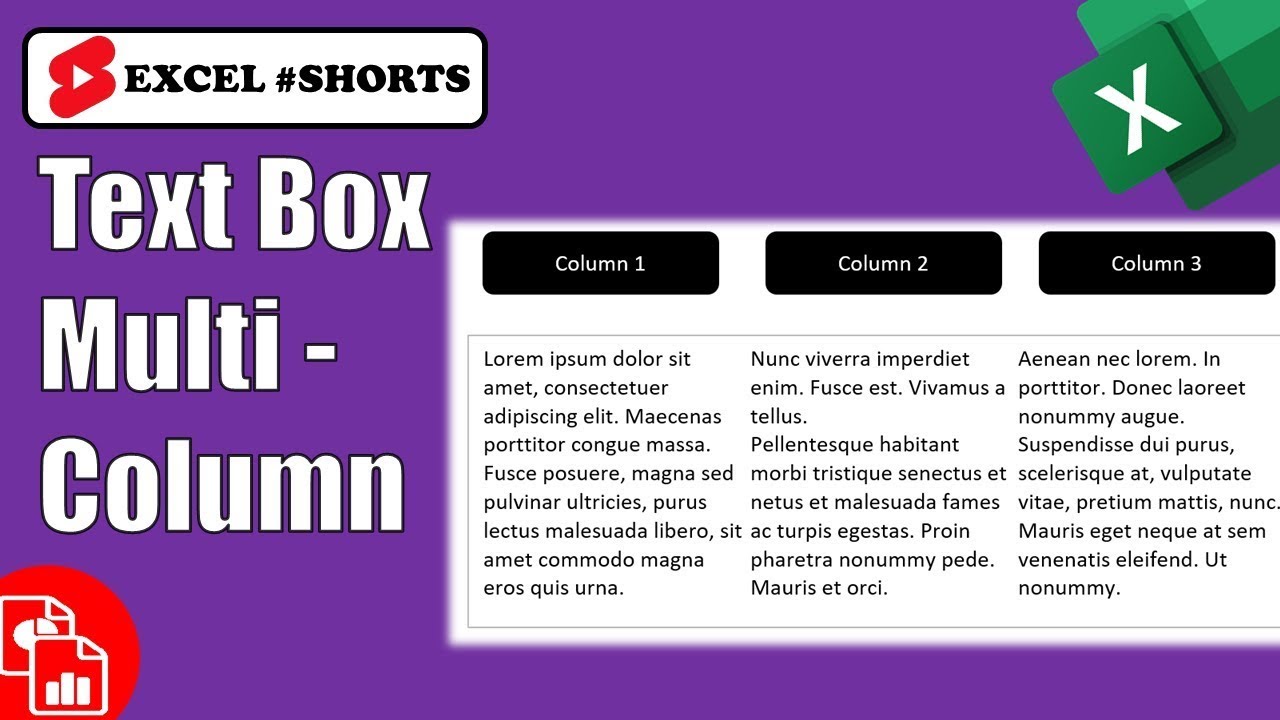
If you use a text box element to give comments to your worksheet, you may want to set it for a multiple column format instead of the default one column. It could look like a newspaper or newsletter type of layout. It’s not an obvious command in formatting, but it’s easy to do. Here’s an Excel #shorts video to show you how.
🔔 SUBSCRIBE to my channel ➜ https://goo.gl/wN3c3p
🏫 Excel Training ➜ https://www.exceltraining101.com/p/training.html
📚 Excel Books & Tech Gear ➜ https://www.amazon.com/shop/dough
⚙️ Tools: Screencasting ➜ https://techsmith.z6rjha.net/5Qe53
⚙️ Tools: Microsoft Office ➜ https://microsoft.msafflnk.net/rKL0G
⚙️ Tools: TubeBuddy ➜ https://www.tubebuddy.com/et101
📝 This description may contain affiliate links and we’ll receive a small commission if a purchased is made using the links (but at no additional cost to you). It’ll support the channel and so more videos like this can be made. Thanks for your support!
🎁 If you find these videos useful and want to support my channel go to
https://www.buymeacoffee.com/dough
#excel
#msexcel
#doughexcel
source