
🔻 DOWNLOAD EXCEL FILE used in the video with step by step instructions and links to more tutorials: https://www.myonlinetraininghub.com/workbook-downloads
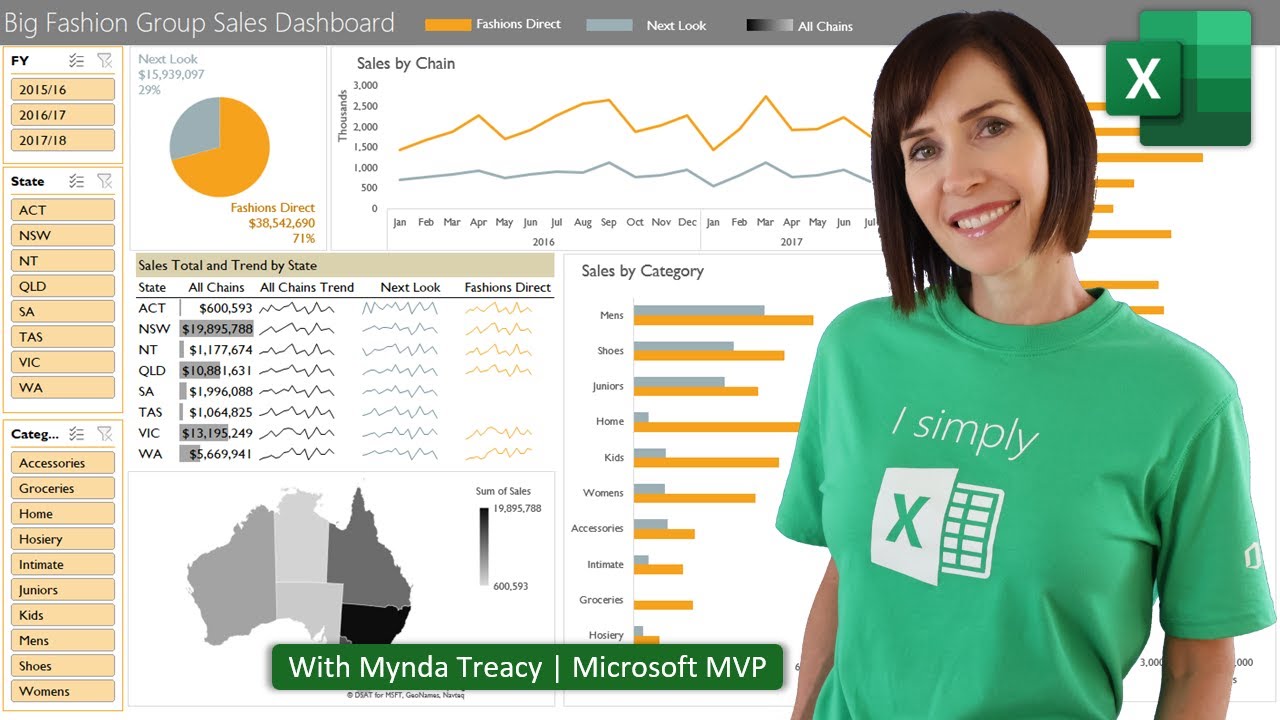
In this video you will learn how to create an interactive Excel dashboard from scratch using the built in Excel tools. No add-ins or VBA/Macros. Just plain Excel. Applies to Excel 2007 onward for Windows & Excel 2016 onward for Mac.
🎓 LEARN MORE in my Excel Dashboard course: https://www.myonlinetraininghub.com/excel-dashboard-course
🔔 SUBSCRIBE if you’d like more tips and tutorials like this.
💬 Please leave me a COMMENT. I read them all!
🧟♀️ CONNECT with Mynda on LinkedIn: https://www.linkedin.com/in/myndatreacy/
🎁 SHARE this video and spread the Excel love.
Or if you’re short of time, please click the 👍
💬 EXCEL QUESTIONS: Get help on our Excel Forum: https://www.myonlinetraininghub.com/excel-forum
⏲ TIMESTAMPS
0:00 Introduction, what to expect and keys to building dashboards fast – don’t skip this if it’s your first time watching 😉
4:45 The Data
5:07 Building the PivotTables & Charts
28:00 Inserting Slicers
29:50 Manual Legend
33:54 Dynamic Labels
39:11 Link Slicers to Charts
42:26 Adding New Data
44:43 Color Formatting with Themes
45:45 Formatting Objects
48:16 Make it look less like Excel
49:26 Worksheet Protection
50:47 What’s Next
source


