
👉 Adobe Photoshop Beta: https://www.elegantthemes.com/blog/refer/adobe-photoshop
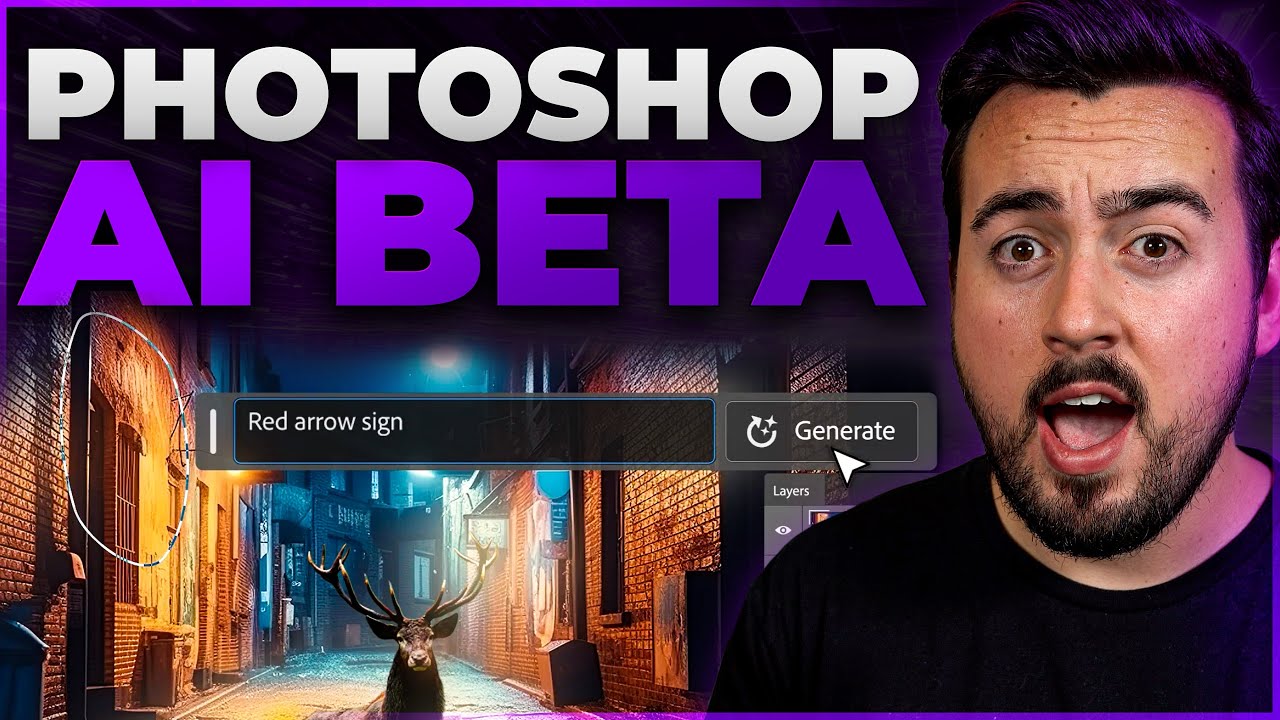
Learn how to use Photoshop’s cutting-edge AI Generative Fill feature in this detailed video tutorial! Step by step, we’ll take you through the ins and outs of using this revolutionary tool, including how to take advantage of its incredible features to enhance your creatives in no time. With Photoshop Beta’s AI Generative Fill, you can experiment with new digital artwork faster and smarter than ever before—so don’t wait any longer! Watch now for the ultimate guide on mastering Photoshop’s AI Generative Fill in 2023.
📣 Read The Full Blog Post: https://www.elegantthemes.com/blog/design/photoshop-ai
Looking for other great AI tools? Watch these 👇
👉 Best AI Voice Generators: https://youtu.be/EIm9nVF_5jo
👉 Best AI Chatbots: https://youtu.be/7fv0K0axwnA
👉 Best AI Video Generators: https://youtu.be/R5gQBpSj9xE
👉 How to Use Midjourney to Create AI Art: https://youtu.be/rjc0_E-yUtk
Disclosure: If you purchase something after clicking links in the video description, we may receive a commission. Thank you for the support!
➡️ Learn more about Divi: https://www.elegantthemes.com/gallery/divi/
🔵 Like us on Facebook: https://www.facebook.com/elegantthemes/
#photoshopbeta #photoshopai #aiart
Timestamps ⏰
0:00 What is Photoshop AI Generative Fill?
0:14 How to download Photoshop Beta
0:42 Generative Fill Taskbar Overview
1:12 Generative Fill Selection Taskbar Overview
1:46 Extend Images with Photoshop AI
2:35 Generate Backgrounds with Photoshop AI
3:55 Generate Realistic Objects with Photoshop AI
4:10 Remove Objects with Photoshop AI
4:42 Create Unique Composite Images with Photoshop AI
5:52 Photoshop AI Generative Fill Tips
6:03 Leave the Prompt BLANK
6:26 Be Creative With Your Selection
7:25 Don’t Use Instructional Prompts
8:15 Blend Photos Together
9:18 Outro
source


