
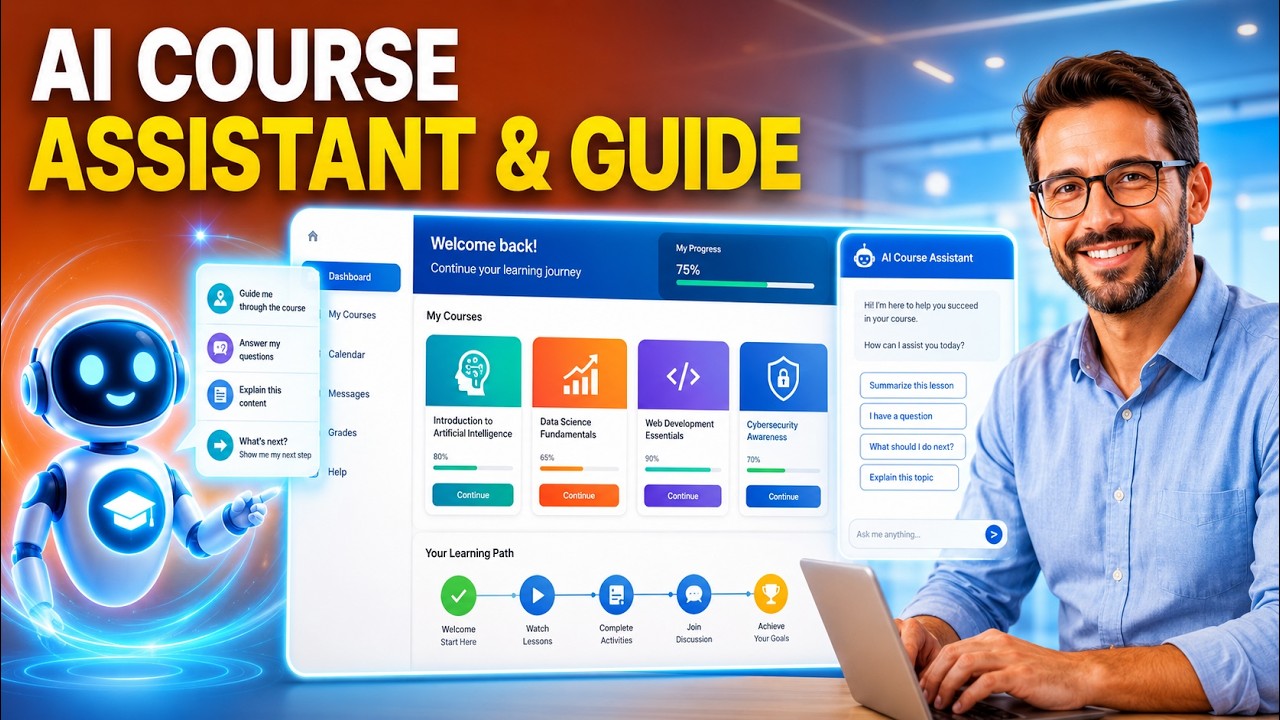
Learn how to install and configure the free AI Course Assistant plugin for Moodle. This walkthrough demonstrates how to upload and install the plugin package, select your preferred provider between Google Gemini and OpenAI, generate and restrict your API keys securely, configure local plugin settings, purge Moodle caches, and test your assistant live in a course.
*Enroll in free training courses*
Learn to create your agentic agents for Moodle:
https://integrating-technology.org/enrol/index.php?id=23
*Learn to create your agentic agents beyond Moodle*
https://integrating-technology.org/enrol/index.php?id=22
0:00 Introduction to AI Course Assistant Plugin
00:48 Installing the Plugin in Moodle
01:25 Accessing Settings and Choosing an AI Provider
01:43 Generating a Google Gemini API Key
03:32 Configuring Gemini in Moodle and Purging Caches
04:01 Setting Up OpenAI Account and API Key
04:59 Configuring OpenAI in Moodle and Testing
05:22 Summary and Support Resources
#Moodle #ArtificialIntelligence #EdTech #AICourseAssistant #GeminiAPI #OpenAI #OnlineLearning #TeacherTraining
*Made with Google Vids* https://vids.new/
#MadeWithGoogleVids
source

Leave a Reply