
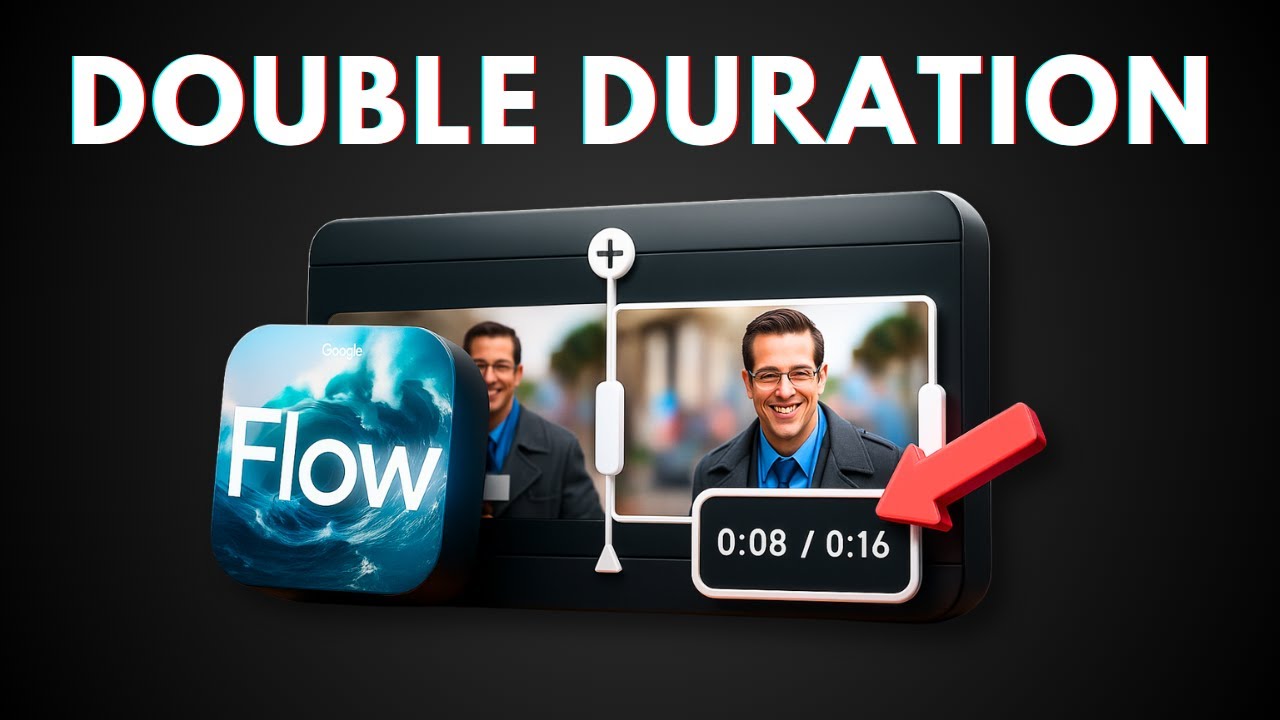
👉 In this video, I will show you how to extend your Google Veo 3 AI videos beyond the default 8-second limit using a simple workaround with Flow’s frame-to-video feature. This technique lets you create longer, seamless AI-generated content while maintaining character consistency and scene continuity throughout your extended videos.
💬 $15 Wispr Flow AI Credit: https://wisprflow.ai/r/JOHN220
🔍 $10 Discount Perplexity: https://perplexity.ai/pro?referral_code=VA2J7SUD
🎁 200 Recraft AI Credit: https://www.recraft.ai/invite/F4F9qQGFxM
🔊 ElevenLabs TTS https://try.elevenlabs.io/1xnn0lhp3htg
👨💻 500 Windsurf AI Credit: https://windsurf.com/refer?referral_code=664caa22f0
🎙 Microphone: https://amzn.to/4jDkUC2
🦾 Boom arm: https://amzn.to/40MzgHx
💻 Web hosting: https://asapguide.com/hosting
❤️ Subscribe: https://www.youtube.com/@asapguide?sub_confirmation=1
🧠 AI Tools I Used: https://asapguide.com/ai-tools/
source


Leave a Reply