
Do you like this template? Visit our page www.thepowerpoint.team to find more!🚀
Do you like our content? Buy us a cup of coffee! ☕ https://ko-fi.com/burntolearn
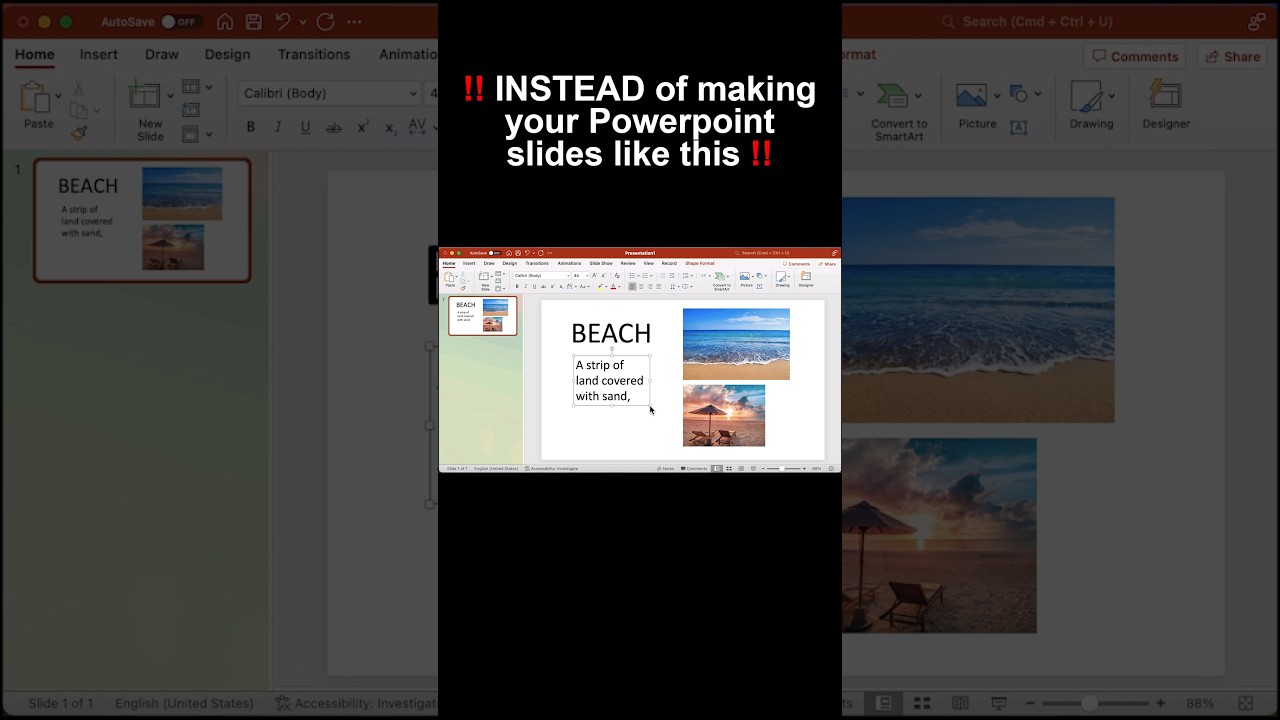
Instead of making your PowerPoint slides like this, let’s insert a video that fits our topic we want to make our, headline big and place it in the middle let’s use the “Lemon Milk” font. Now let’s insert a rectangle that covers half the screen, right click and edit points adjust the rectangle as you want then shape format and send it backward , let’s first go with the white before selecting the rectangle and then the text, shape format and then combine and you’re done. Great! Stay in the loop for more PowerPoint tutorials!
🔔 Subscribe to our YouTube channel
https://www.youtube.com/c/BurntoLearn
Burn To Learn – T-Shirts 👕
https://burntolearn.threadless.com/designs
Visit our website http://www.burntolearn.com to see all our tutorials.
Facebook: https://www.facebook.com/burtolearn/
Twitter: https://twitter.com/btltutorials
Instagram – https://www.instagram.com/btltutorials/
LinkedIn – https://www.linkedin.com/company/burntolearn.com/
Reddit – https://www.reddit.com/user/burn-to-learn/
———————— ————————— ——————————
#powerpoint #powerpointtemplate #coolanimation #design #tutorial #thepowerpointteam
source


