
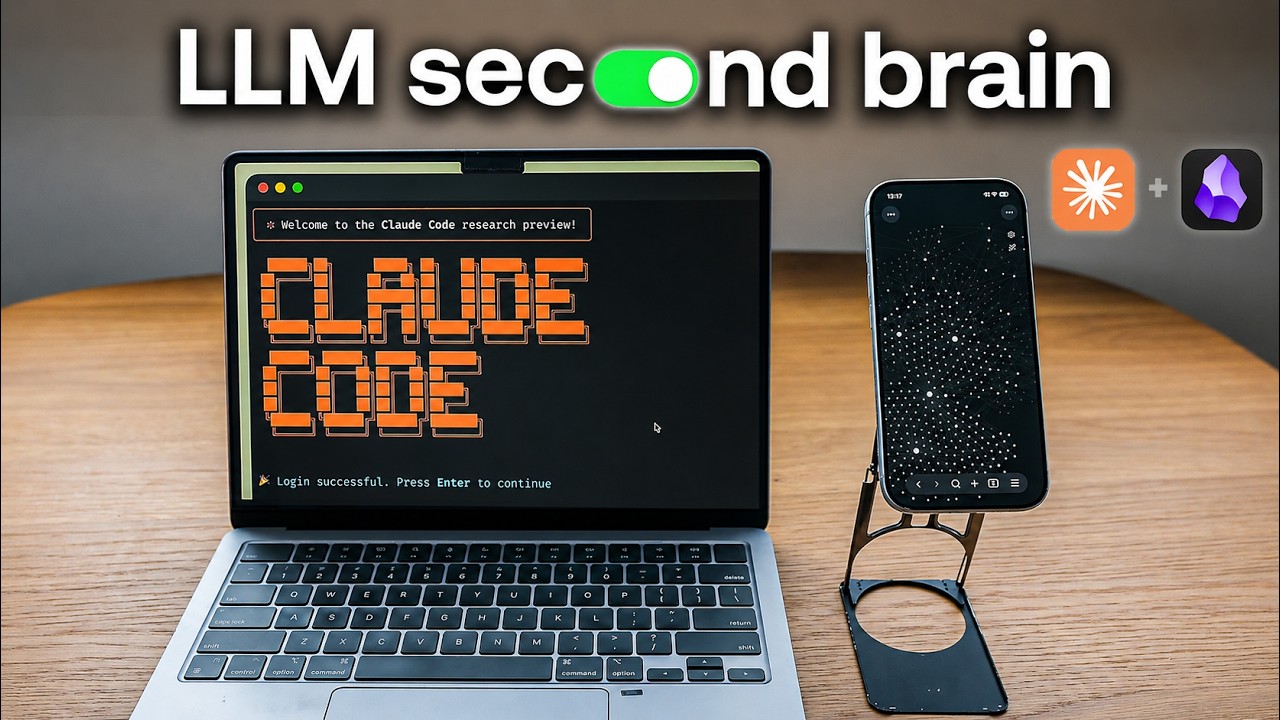
everything in this video is 100% free. I have no interest in selling you anything related to this, and this is just the setup I’m using. you can install the skills without messing up anything if you already use obsidian
setup files (free): https://github.com/reysu/ai-life-skills
setup guide (if you don’t know how to use claude/github) : https://youtu.be/AjSmDg162cw
(this is on membership because it would be pretty dumb to post this as a full video)
follow me on instagram! https://instagram.com/reysuing
outline:
00:00 my llm-managed obsidian vault
00:36 why I build this
01:22 how the vault is organized
02:00 daily brief + daily news
03:58 daily notes
04:42 meetings (turning recordings into notes)
05:58 rolodex
07:19 all my projects
08:16 research, references, and summaries
09:37 how i use it to learn faster
10:10 the 3 root files you need
11:08 obsidian extensions and skills
12:05 privacy hygiene
12:29 local LLMs
13:24 isolation
14:04 using the API instead of subscription
14:30 limiting scope and permissions
15:01 hybrid setup
playlists:
📱 tech and gadgets: https://www.youtube.com/watch?v=EoyX8rzEopA&list=PLacX82b_pofx–V2uqJmJVMGOfsJDBSm-
📖 journaling guides: https://www.youtube.com/watch?v=OmyfB513E1s&list=PLacX82b_pofztutMWary6SRslMTvYVzsi&index=1&t=229s&pp=iAQBsAgC
🧑💻 productivity optimization: https://www.youtube.com/playlist?list=PLacX82b_pofx0W3JjHZzi795ocRUZrSfT
🎤 outliers podcast: https://www.youtube.com/watch?v=qoUP3SY-Gy4&list=PLacX82b_pofx4w0E-5QdA-L_VUTHYeO3l
source


