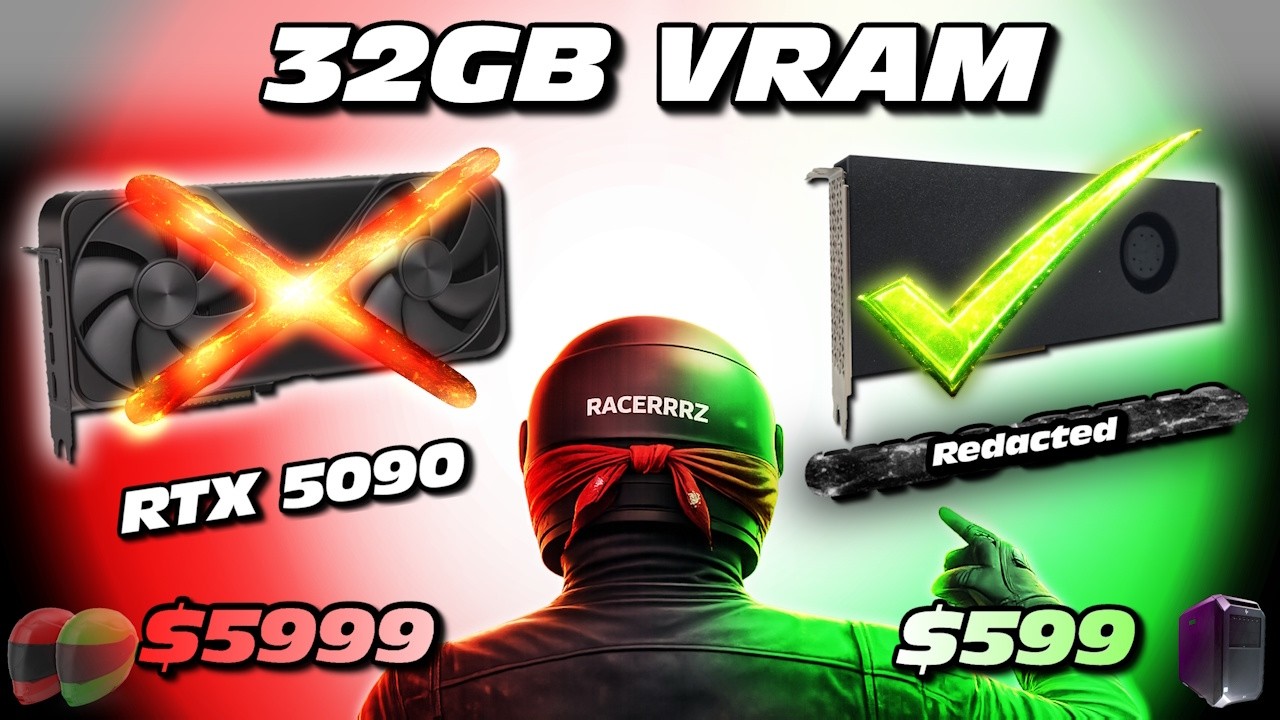
PC hardware prices just keep climbing – and that might continue until an AI bubble pops (What if it never pops? Ouch).
NVIDIA has shifted focus towards AI Accelerator GPUs – with V100, A100, H100, H200, B100 and B200 “AI brains” being the ‘in-thing’.
Funny story about hardware – it ages. Companies tend to depreciate hardware over a 3-5 year period – after which they buy new hardware and they make a gain on disposal of the old hardware.
Just think of all the AI GPUs flooding the second hand market every year in the near future!
You might also be wondering what AI could do for you other than writing emails or functioning as your Google search. Imagine an AI personal assistant that knows everything you have ever created – except it is under your control – with no data leached to big corporate – because you have it hosted in your homelab.
Before you get excited, and given all the recent hardware drama, my logic was that of – how do we get in on the “AI hardware”?
I mean those AI GPUs were sitting in DGX data centers – 8 GPUs bundled within a node – with high speed interconnects.
Now you could buy a DGX server – but you’ll need to spend mega $$$ to get your hands on one. Although, I will say that the DGX Spark might actually be well placed as a home AI acceleration option.
You know the saying, you have to risk it for a biscuit…
You also know I trend towards ridiculous setups…
So, how can you combine both of these (a ‘ridiculous biscuit’) in the modern age?
—
Long story short, you could try to run DGX server hardware in your workstation.
Specifically a Telsa V100 SXM2 (Server PCI Express Module 2) GPU.
My logic is to turn the Z8 G4 into an AI GPU compute monster.
To maximize the risk of failure (you read that right), I figured I would go against every recommendation from ChatGPT:
And I quote: “Practical takeaway (especially given your local-LLM angle)
If your goal is LM Studio / Windows 11 / workstation build, an SXM2 V100 is the wrong physical format unless you’re buying the entire SXM2 platform (DGX/HGX-style) or doing a serious chassis/baseboard engineering project.
If your goal is compute per dollar inside a workstation, the PCIe V100 16GB (or newer PCIe cards) is the sane route; SXM2 only makes sense when you also want the platform-level NVLink topology and cooling.”
So how do you connect your SXM2 GPU to your workstation?
A SXM2 to PCIe adapter of course! And naturally you would buy the cheapest SXM2 V100 16GB you can find (V100 16GB for now – if this works I’ll get a couple of V100 32GBs) as well as the cheapest SXM2 to PCIe adapter…
I was tempted for the 32GB AMD Radeon Mi50’s, but they are less well adapted to AI work flows and only function in Linux (not that that is a bad thing – but it does present additional complications).
https://www.techpowerup.com/gpu-specs/radeon-instinct-mi50.c3335
For now – I have assembled the PCIe adapter – applied Thermal Grizzly Kryonaut to the core (with the world’s best thermal paste application method, sure to bring a smile) – stacked thermally conductive silicone for effective contact with the heatsink – attached the copper heatsink – and now it needs power for testing.
What could go wrong?
Will it work?
Should you get one?
I hope my investment pans out – and stay tuned for updates!
There is a lack of concrete info on this process online – so let’s say it requires ‘a trip down the rabbit hole’.
—
🛠 Amazon / Ebay / AliExpress Affiliate Links (Please note- links will direct you to Amazon.com or Ebay.com or AliExpress.com. I will receive a commission if a purchase is made through these links. Thank you.)
Tesla V100 SXM2 16GB: https://ebay.us/neSXwl https://s.click.aliexpress.com/e/_c4N6YtKL
Tesla V100 SXM2 32GB: https://ebay.us/MIIWkZ https://s.click.aliexpress.com/e/_c4N6YtKL
Tesla V100 SXM2 32GB (one I just bought): https://ebay.us/PRk7AZ
Fan Cooled SXM2 to PCIe Adapter: https://s.click.aliexpress.com/e/_c3kCmf8r
Fan Cooled SXM2 to PCIe Adapter w/backplane: https://ebay.us/pEqdb2
Thermal Pad: https://amzn.to/4qZnvtv
Thermal Grizzly Kryonaut: https://amzn.to/45Qqlsa
6-pin GPU to 8-pin GPU Power: https://amzn.to/4qvzo9y
—
For more pics and useful links on the topic:
Towards Building Your Own AI Accelerator Node for the Homelab!
byu/RACERRRZ inHSpecWorkstations
——
For more updates and detail on the build:
💻 https://discord.com/channels/953476751206543431/1463825703727272061
💻 HSPEC DataBase (for parts, upgrades, video summaries and more):
https://www.reddit.com/r/HSpecWorkstations/
💻 Discord Server link (Name: HSPEC Computing):
https://discord.gg/QmpMeE7Xfb
🎯 Support:
https://buymeacoffee.com/RACERRRZ
#NVIDIA, #V100, #localLLMs, #AI, #ArtificialIntelligence, #MachineLearning, #LLMs, #GenerativeAI, #Computereducation, #Computer, #Gaming, #Gamingcomputer, #Homeserver, #zworkstation, #RACERRRZ
source