Learn how to automatically add commas in Excel.
If you’re wondering about adding commas in Excel, you might ask, “What is the shortcut for adding commas in Excel?” or “How do I automatically add commas in Excel?” Unfortunately, there’s no direct shortcut key for this, but you can format your numbers to include commas by selecting the cells, then pressing Ctrl+1 to open the Format Cells dialog box, choosing the “Number” category, and checking the box for “Use 1000 Separator (,)”. This way, Excel can automatically add commas to your numbers, making it easy to read large figures.
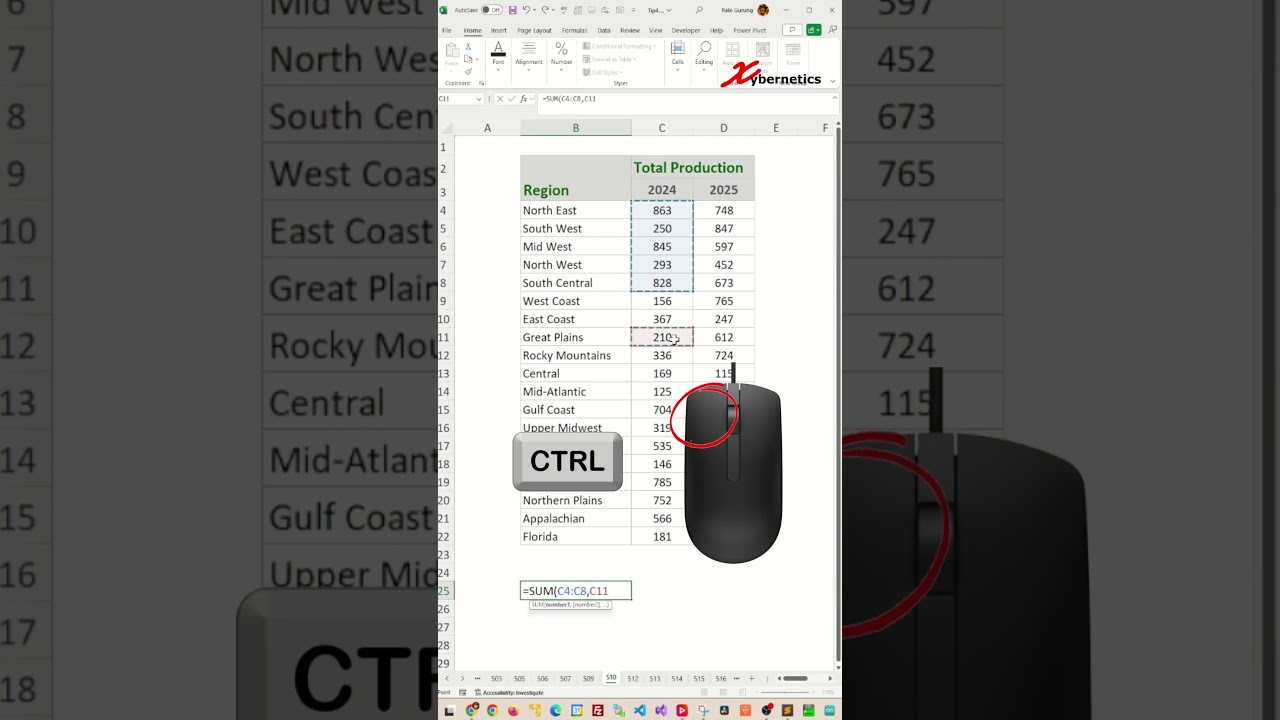
Hold the Ctrl key to automatically add commas when adding function argument inputs.
#shorts #short #shortvideo #fyp #excel #microsoft #tiktok #fypシ
source