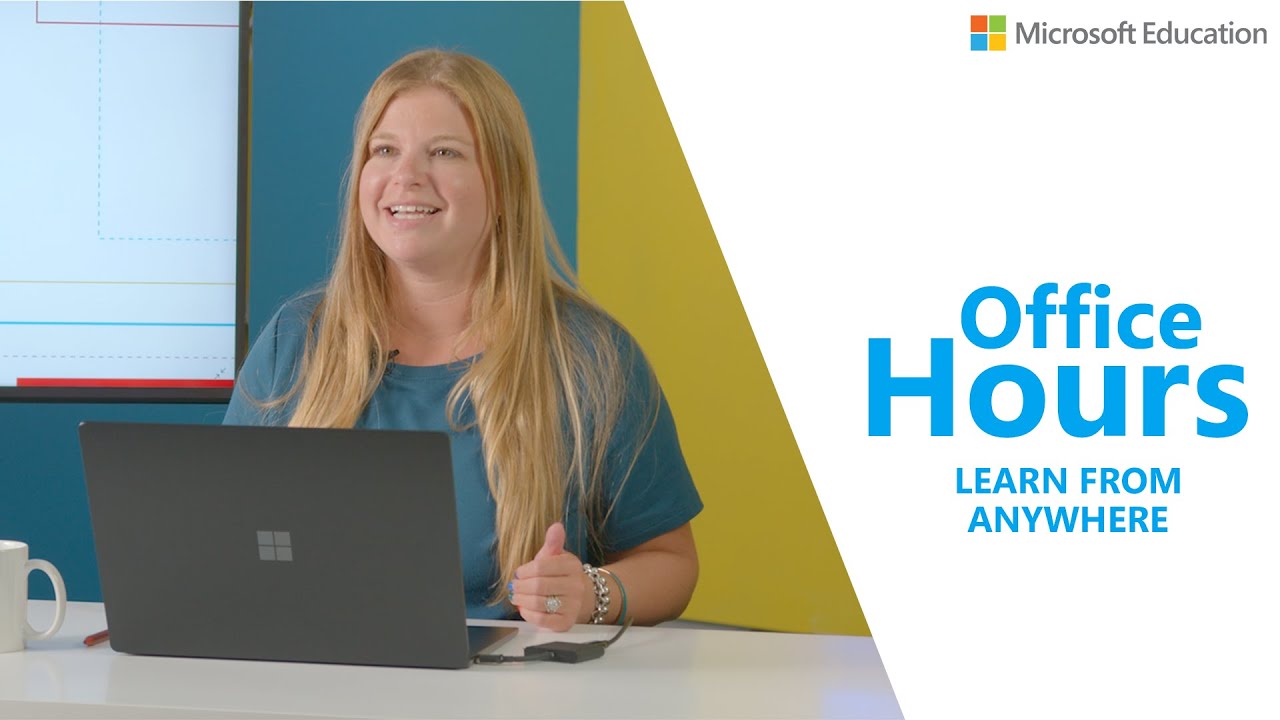
Help Rory Yakubov solve for student engagement in this edition of Office Hours! You’ll get a closer look at a few of her favorite features in Microsoft Teams, including:
🎨 Whiteboard
👯♀️ Group assignments
✨And more!
📃 Table of Contents
0:00 Introduction
0:22 Microsoft Teams Features
0:34 Microsoft Teams Chat
1:02 Whiteboard
2:10 Group Assignments
2:28 Office 365 Integration
Microsoft Educator Center free courses and resources: https://education.microsoft.com/en-us
👇 Additional Microsoft Teams for Education Resources 👇
🎓 Check out this free course to learn about Microsoft Teams and how it can be used in classrooms and schools: https://aka.ms/TeamsEDUMEC
✅ Introduction to Microsoft Teams: https://aka.ms/TeamsPP
✅ Microsoft Teams support: https://aka.ms/TeamsEDUSOC
✅ More Microsoft Teams video content: https://aka.ms/TeamsEDUYouTubePlaylist
✅ Microsoft Education webinars: https://aka.ms/MicrosoftEDUwebinars
✅ Microsoft Teams interactive guides: https://aka.ms/TeamsInteractiveGuides
✅ Get connected with Microsoft Store trainers for Remote Learning Support: https://aka.ms/MicrosoftStoreEDUTraining
—-
🔔 Subscribe to #MicrosoftEDU on YouTube here: https://www.youtube.com/user/Microsoftedu?sub_confirmation=1
Follow us on social!
Twitter: https://twitter.com/MicrosoftEDU
Facebook: https://www.facebook.com/microsoftineducation
Instagram: https://www.instagram.com/microsoftedu/
LinkedIn: https://www.linkedin.com/showcase/microsoft-in-education
Pinterest: https://www.pinterest.com/microsoftedu/
TikTok: https://www.tiktok.com/@microsoftedu
For more about Microsoft Education, our technology, and our mission, visit https://education.microsoft.com/
source