
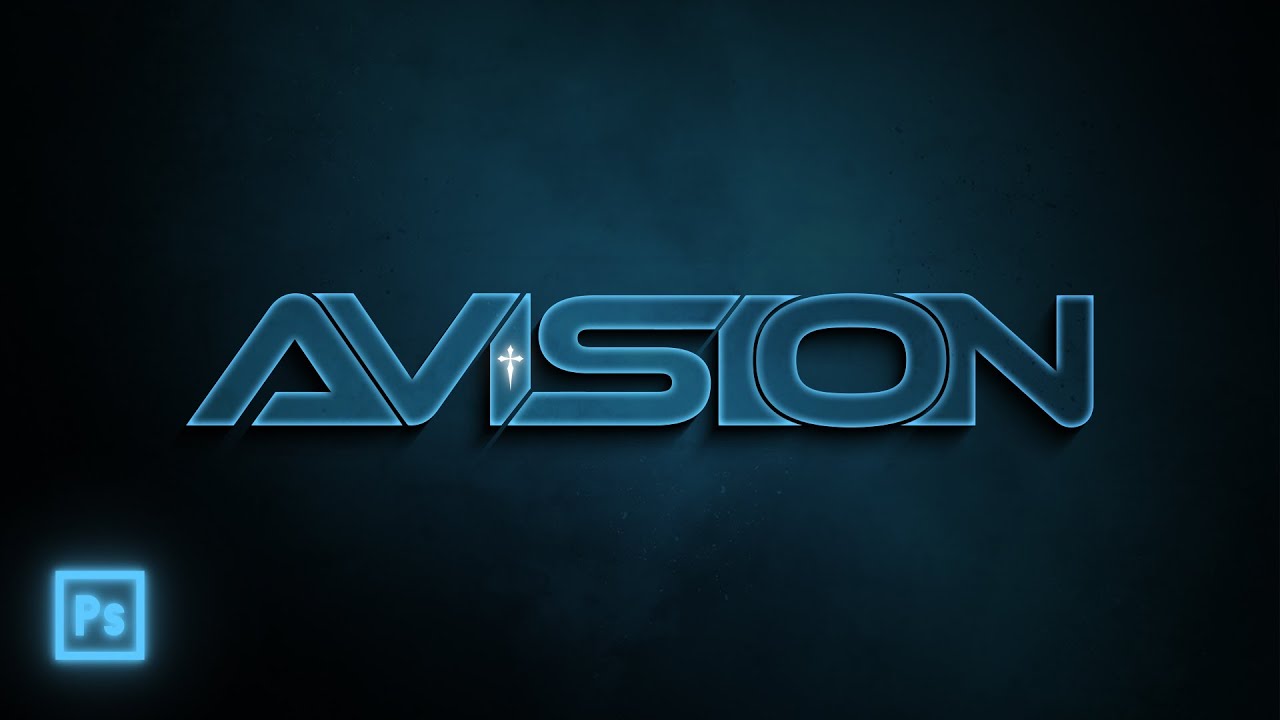
Font Download:
(Ethnocentric)
https://drive.google.com/file/d/1jQ7pOUfu4gFBzaUEmHDPKhaOPWdi-FsS/view?usp=sharing
Background Download:
(.jpg)
https://drive.google.com/file/d/1cYZv5pG6HGNmZHbIQV2V3YIxZb9xHQJ3/view?usp=sharing
Free Galaxy Artwork Download:
(Pixabay)
https://pixabay.com/users/avisionfx-35427951/
When Customizing Fonts In Photoshop,
I. Rasterizer the Text Layer
II. Cut each letter to it’s own separate layer (Layer Via Cut)
**Shortcuts/Tips**
-Command/Ctrl + click on thumbnail of layer to make a Selection of it’s shape
-(With a Selection made of the shape) Expand pixels of shape by pressing
Select/Modify/Expand in the menu bar
-When finished with your artwork,
make sure you hide the background and Save the file as a .PNG to have a transparent logo
For Graphic Design and Digital Artwork Commissions,
Email: [email protected]
God Bless 🙏☀️
Heaven Will Reach You
As A Spiritual Atmosphere Created In Your Heart
#jesuschrist #logodesign #photoshoptutorial #graphicdesign #customlogo #customfonts
#digitalart #freelancer #tshirtdesign #graphicdesigntutorial #spaceart #galaxyart #tshirtbrand
source


