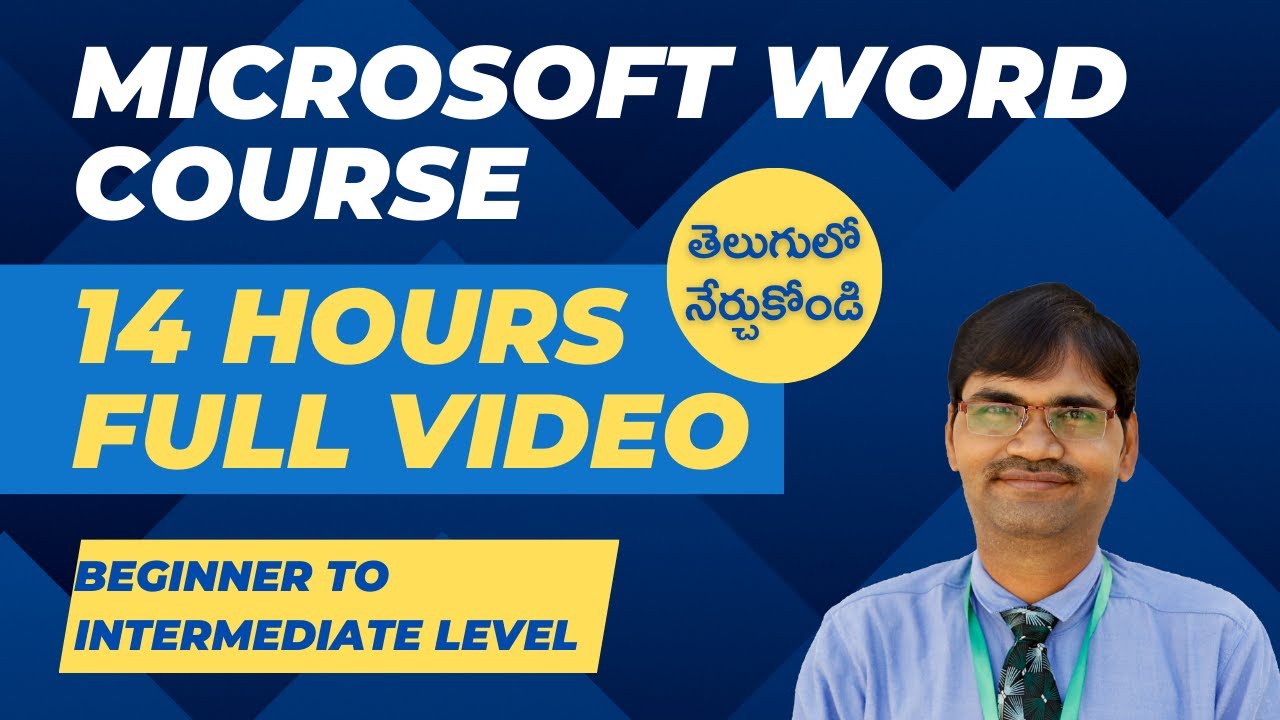
Microsoft Word Course in Telugu | 14 HOURS FULL VIDEO | Beginner to Intermediate Level | MS Office
O:50 – Introduction to Microsoft Word
1:15 – Microsoft Word interface
7:08 – How to close a file, Minimize, and Maximize in Microsoft Word
8:00 – How to use the Restore Button in Microsoft Word
8:45 – About Quick Axis Toolbar in Microsoft Word
13:20 – What can we do in Microsoft Word?
15:00 – How to open a new file in Microsoft Word
18:10 – How to save a file in Microsoft Word
51:00 – How to open a Microsoft Word in mobile
54:30 – How to create a table in Microsoft Word
1:10:51 – How to create a table and change its font, text size, and style in Microsoft Word
2:58:15 – How to create a chart in Microsoft Word
3:02:23 – How to create a Calendar using a table in Microsoft Word
3:58:51 – Basic formatting in Microsoft Word
4:38:40 – Doubts Clarification Session
5:24:39 – How to use Heading styles
5:26:30 – How to create a table of contents in Microsoft Word
6:11:49 – How to type Telugu in Microsoft Word
6:27:52 – How to do a Banner in PowerPoint
7:20:36 – Doubts Clarification Session
7:27:29 – How to save and open documents in Microsoft Word
7:31:23 – How to navigate in a document | How to use Find and Replace features in Microsoft Word
8:00:00 – How to use Cut, Copy, and Paste commands in Microsoft Word
8:15:08 – About Undo and Redo feature in Microsoft Word
8:15:40 – How to use spell and grammar check features in Microsoft Word.
8:19:10 – Doubts Clarification Session
8:43:26 – How to use paragraph alignment and line spacing settings
9:27:53 – Doubts Clarification Session.
9:43:03 – How to change page orientation in Microsoft Word
10:12:10 – Applying styles and themes in Microsoft Word
10:12:25 – How to apply styles and themes in Paragraph in Microsoft Word
10:33:52 – Doubts Clarification Session
10:42:41 – How to use the Header & Footer feature in Microsoft Word
10:55:07 – How to add different types of page numbers | How to use section breaks
10:56:27 – Doubts Clarification Session
11:01:40 – About the fill & fit feature in Microsoft PowerPoint
11:12:30 – How to design a certificate
11:48:44 – How to arrange business cards for printing in Microsoft Word
12:04:19 – How to prepare passport-size photos for printing in Microsoft Word
12:11:52 – About cross reference in Microsoft Word
12:13:49 – About Macros
12:37:00 – Comparing and combining documents
13:09:24 – About styles and Templates
13:15:41 – Collaboration and review tools
13:21:25 – How to share documents for collaboration in Microsoft Word
13:22:44 – How to protect documents with passwords in Microsoft Word
13:25:32 – Table formatting
13:56:31 – Doubts Clarification Session
14:04:19 – How to use the Dictate feature in Microsoft Word
14:14:15 – About using the Editor feature in Microsoft Word
14:24:00 – How to translate using Microsoft Word
Presented by Praveen Ragi
PR Learning Lab
For One-to-one classes or full course videos, please contact:
WhatsApp: +91 8978500864, Email: [email protected]
Microsoft Word Tutorials in Telugu – Videos Playlist: https://youtube.com/playlist?list=PLZY-RBYY1teAEbZ_bsH4te94J5Y0mTyj5&si=TnqvSfyyAyZ6hp9H
Join our Graphic Design & Video Editing – Knowledge sharing WhatsApp group: https://chat.whatsapp.com/GKFYlOwh7Sw1fcuLj9Hfol
Follow our Facebook Page: https://www.facebook.com/profile.php?id=100063954764075
*********************************
#MicrosoftWord
#WordTutorials
#TeluguTutorials
#LearnMicrosoftWord
#OfficeTips
#TeluguLearning
#WordInTelugu
#TechTutorials
#ProductivityTips
#MicrosoftOffice
#WordHacks
#TechInTelugu
#ComputerSkills
#WordFeatures
#OfficeSuite
#DigitalSkills
#Word2024
#telugutech
#Computerskillsinitelugu
source