
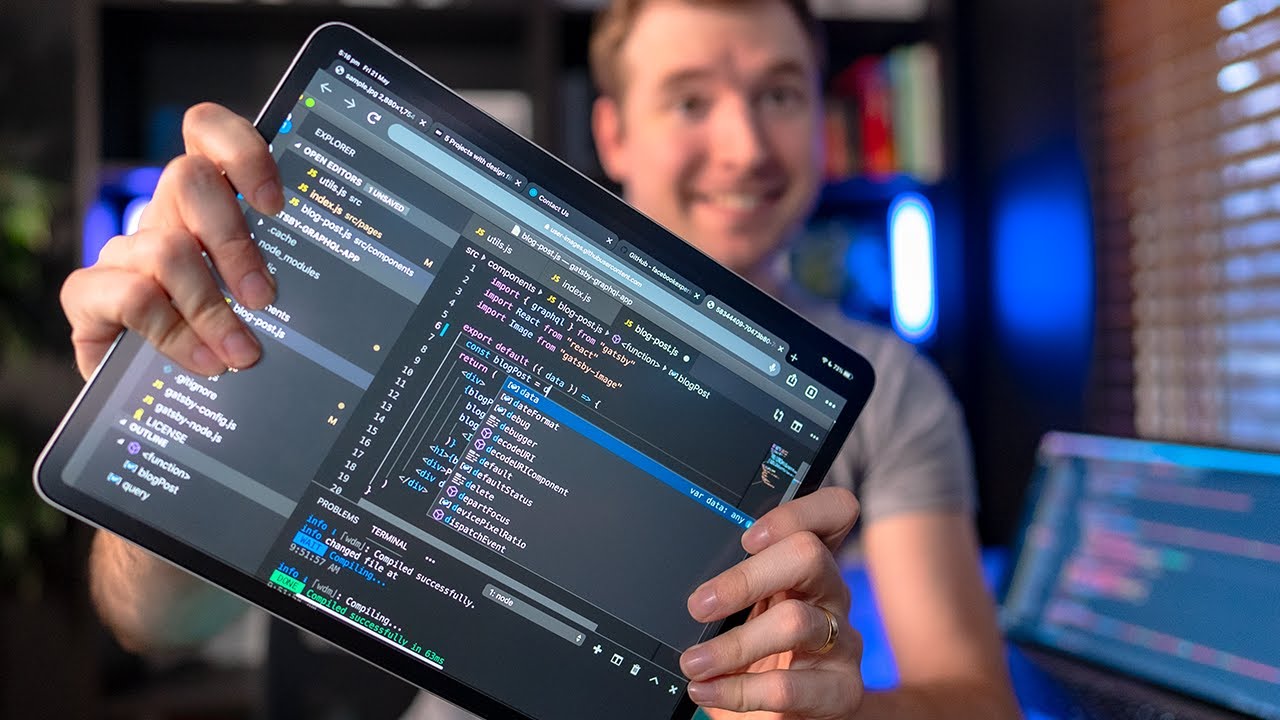
Using an iPad as my primary device for coding wasn’t something I thought possible until I tried it. There are a number of different ways you can use a tablet as a software development device, including things like coding apps and remote desktop.
Since I have a computer, laptop and tablet for website development, I found coding and swapping devices sort of difficult especially with the fact that most environments require me to sync github in order to get back to coding my so important HTML, CSS and JS.
So picking one device to use only, the iPad meant I tried to test out different methods for programming, and I enjoyed remote desktop the most. I technically could use a single environment with all the benefits of a super computer, but on an iPad. I used JumpDesktop to do this as teamviewer wasn’t as effective.
Jump Desktop:
https://jumpdesktop.com/
#coding #ipad #development
Learn Design for Developers!
A book I’ve created to help you improve the look of your apps and websites.
📘 Enhance UI: https://www.enhanceui.com/
Feel free to follow me on:
🐦 Twitter: https://twitter.com/intent/follow?screen_name=adrian_twarog
💬 Discord: https://discord.gg/wyDVPDY
💸 Patreon: https://www.patreon.com/adriantwarog
Computer Gear:
⬛ Monitor: https://amzn.to/3f9DOQI
⌨ Keyboard: https://amzn.to/3eA5UFD
🐁 Mouse: https://amzn.to/3xVJO8l
🎤 Mic: https://amzn.to/3hgCfms
📱 Tablet: https://amzn.to/3ewt7sa
💡 Lighting: https://amzn.to/3vOZeZY
💡 Key Lighting: https://amzn.to/3f6qP2f
Camera Equipment:
📷 Camera: https://amzn.to/3uCv4J9
📸 Primary Lens: https://amzn.to/3vT6wMm
📸 Secondary Lens: https://amzn.to/3tyqWIX
🎥 Secondary Camera: https://amzn.to/3o2zCGi
🎙 Camera Mic: https://amzn.to/33tCz9l
🎞 USB to HDMI: https://amzn.to/33yW9RE
source


