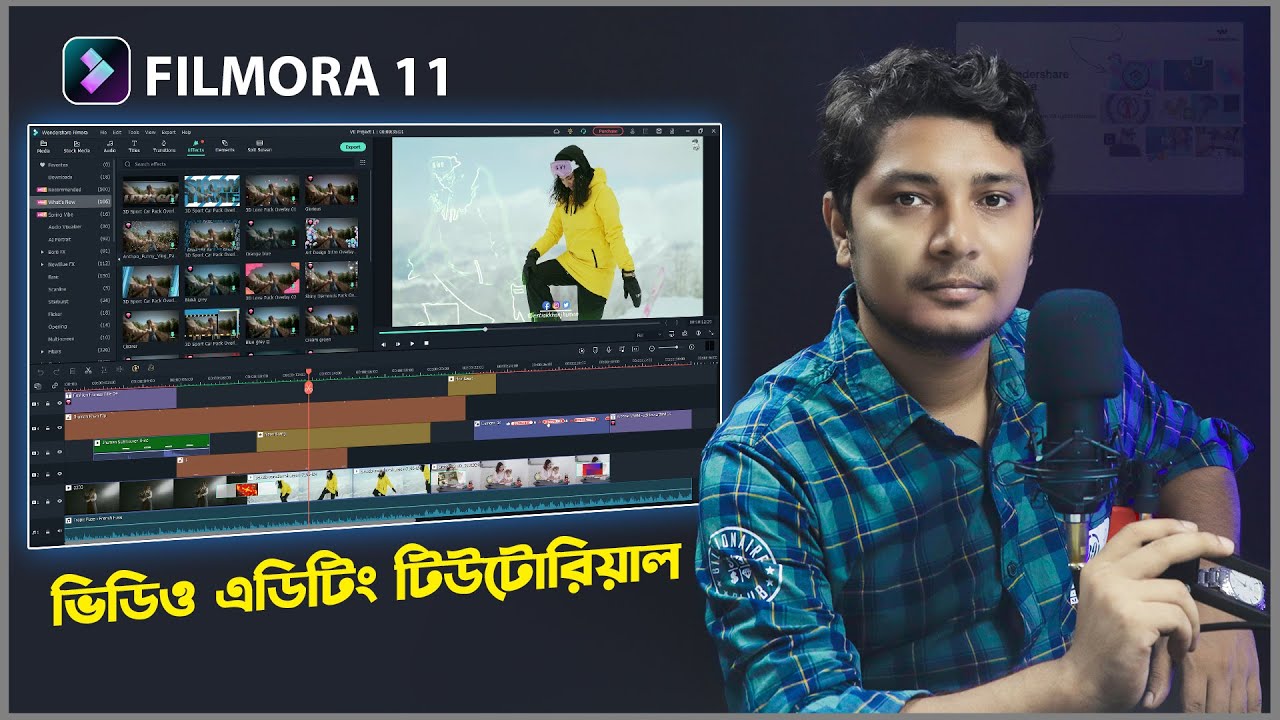
Wondershare Filmora is a wonderful video editing software. In this video, I am going to share with you how to video edit with Wondershare Filmora 11. Don’t worry you can follow this tutorial for Wonshare Filmora. The basic tools & pattern is similar to Filmora 11, Filmora X & Filmora 9. if you are beginners & went to learn how to video editing like video cut, copy, color correction, transition, effects, audio editing, logo setup, etc? This is the right video for you. This video editing tutorial in Bangla. I am trying to give you my best possible to teach you.
Wondeshare Filmora 11 Download Link Here: https://filmora.wondershare.net
Wondershare Filmora X Tutorial Part 1: https://youtu.be/icqheBEv5aI
Wondershare Filmora X Tutorial Part 2: https://youtu.be/3kOgFUe7d4k
Is Filmora Pro better than filmora9?
The big difference between the two is “control.” Filmora9 emphasizes simplicity combined with literally hundreds of pre-built effects. FilmoraPro allows you to customize those effects, plus adds more advanced editing, keyframing, and color correction; all at a very affordable price
If this video really helps you. So don’t forget to subscribe & bell my channel.
(Subscription are totally free)
🔥1. Free Software Tutorial Series Video – Shotcut
🔥2. Filmora 9 Tutorial Series Video
🔥Mobile Video Editing Tutorial Series Video
🔥YouTube Marketing Series Video
🔥My Website:
http://www.projuktibazar.com
🔥Follow me on Instagram:
http://www.instagram.com/estiakkhanjhuman
🔥Please subscribe to get updates on upcoming videos.
Click here to Subscribe: https://goo.gl/87RPC6
🔥 My Social Links:
🔥 Facebook: http://facebook.com/EstiakJhuman
🔥 Instagram: http://intagram.com/estiakkhanjhuman
🇧🇩 Thank You :)📌
source