
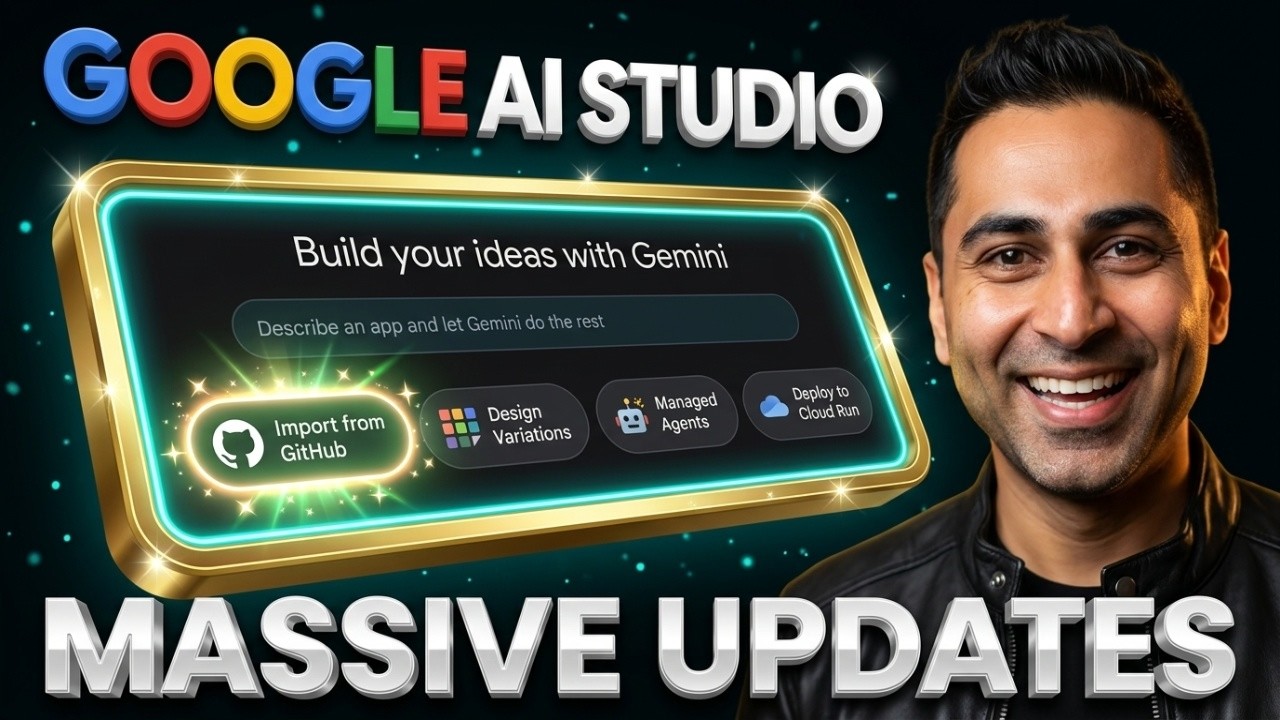
Google AI Studio just shipped one of its most-requested features: you can now import a repo straight from GitHub. In this video I take a real, gorgeous open-source project and turn it into my own live app in one sitting — no code editor, no terminal.
Here’s the full run: I grab a beautiful GitHub repo, fork it, import it into AI Studio (it auto-detects the framework and gets it running for you), completely rebrand it with a single plain-English prompt, explore a few design variations, and then deploy the whole thing live to Google Cloud Run.
Two more updates worth knowing about:
→ Design Variations — spin any app into a bunch of different looks in seconds
→ Managed Agents (Gemini API) is now on the free tier — background tasks, remote MCP, function calling, and network credential refresh (full deep dive coming soon)
Try it: https://ai.studio/build
Disclaimer: All opinions are my own and do not belong to my employer.
#GoogleAIStudio #GitHub #Gemini #AI #NoCode
00:00 Intro
00:15 The Problem with GitHub Setup
00:35 What’s New in AI Studio
01:43 Live Demo: Importing a GitHub Repo
02:51 How the Import Works
05:27 Rebranding the App
07:45 Design Variations
09:25 Publishing to Google Cloud Run
10:50 Recap & Managed Agents API
source



Leave a Reply