
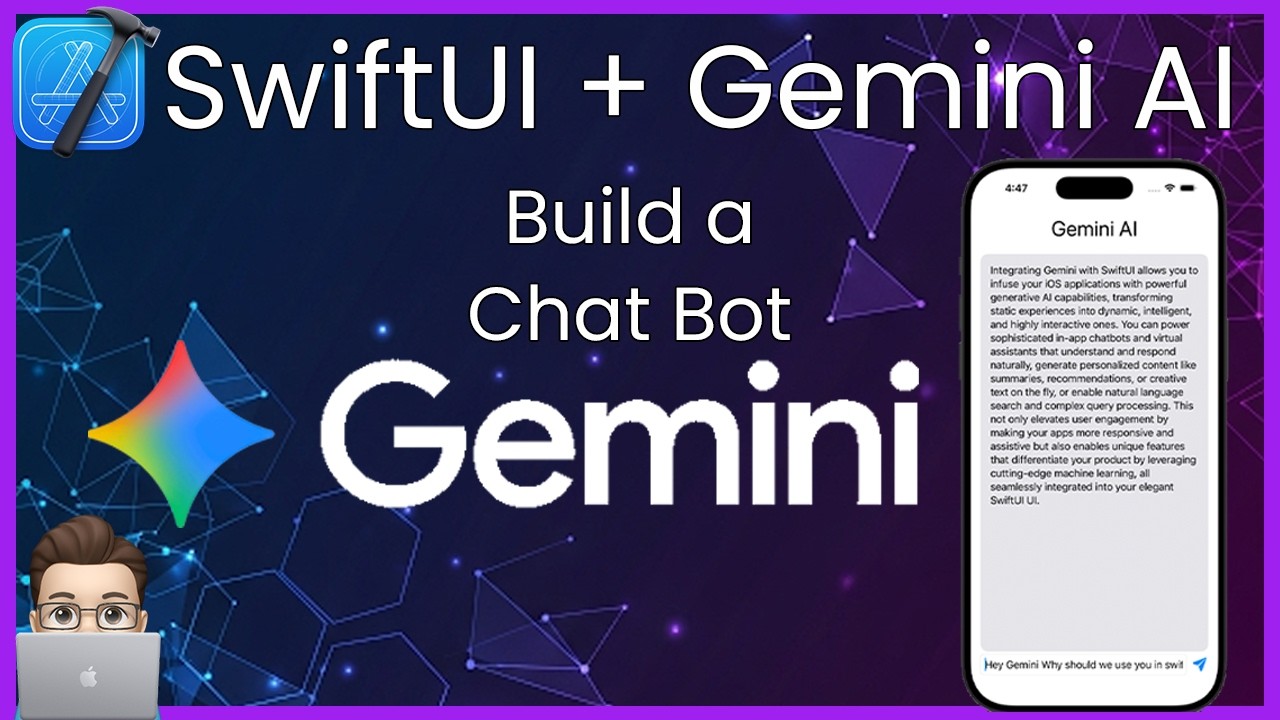
Add Google’s Gemini AI to your SwiftUI app using the official Firebase AI Logic SDK – the ONLY supported way to call Gemini from iOS in 2026. Most tutorials online still teach the deprecated standalone SDK. This video shows you the current, correct setup.
⚠️ The old google-gemini/generative-ai-swift package was DEPRECATED in December 2025. If you’re following a tutorial that uses “import GoogleGenerativeAI” – it’s outdated. This video uses Firebase AI Logic, which is Google’s current and only supported path.
⏱️ Timestamps
00:00 – Intro
00:40 – Create a Firebase Project
02:01 – Project Setup in Xcode
02:40 – GoogleService-Info.plist
03:19 – Add Firebase SDK to Xcode (SPM)
04:32 – Configure Firebase in Your App
05:43 – Enable AI logic on Firebase
07:02 – Build the AI Chat View (SwiftUI)
12:00 – sendMessage Function
14:11 – Run It & Demo
15:30 – Ideas: What You Can Build With This
17:06 – AI monitoring
17:39 – Wrap Up & Gemini’s Outro
Requirements
– Xcode 16.2+
– iOS 15+ deployment target
– Free Firebase project (no billing required for Gemini Developer API)
– Firebase iOS SDK v11.13.0+
🔗 Resources
– 📦 Sample Project: https://github.com/NDCSwift/GeminiExampleSwiftUI
– Firebase AI Logic Docs: https://firebase.google.com/docs/ai-logic/get-started
– Firebase Console: https://console.firebase.google.com
– Supported Gemini Models: https://firebase.google.com/docs/ai-logic/models
#SwiftUI #GeminiAI #iOSDevelopment #Firebase #AIiOS #Xcode #GoogleAI #SwiftUITutorial
source


