
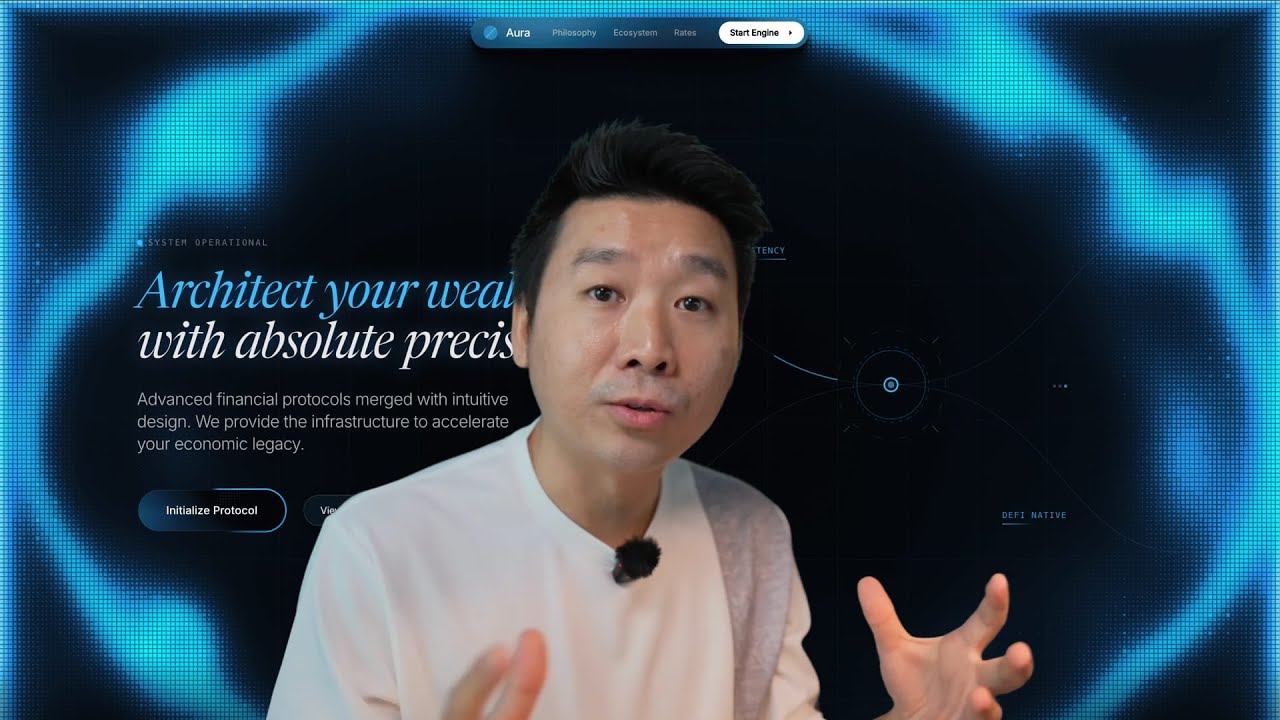
In this video, I’m sharing the full blueprint on how to create professional, fully animated landing pages from start to finish using Gemini 3 inside Aura. We are witnessing a disruption in the web design industry—designers are making six figures selling templates for Webflow and Framer, and now, AI allows us to build at that same level (or higher) in a fraction of the time.
I’ll walk you through my exact workflow: from gathering inspiration and referencing custom icons to prompting complex animations like beams, marquees, and hover effects. Whether you want to sell templates, speed up client work, or build for your own startup, this tutorial covers how to go from a blank canvas to a fully responsive, polished website.
🚀 Try the tool used in this video:
https://aura.build
RESOURCES & TOOLS
✨ Inspiration & Assets:
Supahero (Hero sections): https://supahero.io
Bento Grids (Layouts): https://bentogrids.com
CTA Gallery (Call to actions): https://cta.gallery
Mobbin (Real-world apps/sites): https://mobbin.com
Dribbble (Creative visuals): https://dribbble.com
Unicorn Studio (Background animations): https://unicorn.studio
🛠 AI & Design Tools:
Aura (The builder used): https://aura.build
Nano Banana (AI Image Gen): https://aistudio.google.com
TIMESTAMPS
00:00 – The Animated Template Blueprint
01:20 – Disrupting the $100 Template Economy
03:18 – Where to Find Top-Tier Inspiration
07:02 – The Speed of AI Web Design & Aura
08:25 – Generating 3D Assets with Nano Banana
12:15 – Starting from Scratch: The Hero Section Strategy
14:50 – Mastering Icons (Iconify & Solar)
16:55 – Choosing Professional Typography
22:00 – Prompting Advanced Animations (Beams & Marquees)
28:00 – Iterating and Remixing Designs
30:20 – Building Feature Sections & Bento Grids
33:30 – Adapting & Editing Sections with AI
36:40 – The “Edit Mode” Strategy for Precision
40:35 – Fixing Images & Fine-Tuning Details
42:10 – Responsive Design & Mobile View
43:00 – Creating Viral Social Media Assets & Covers
In this video, you’ll learn:
– How to prompt complex animations (beams, noodles, marquees).
– The best resources for finding top-tier design inspiration.
– How to use “Edit Mode” to refine specific sections without breaking the layout.
– My secret for creating viral social media assets to market your templates.
Subscribe for more tutorials on the future of AI design and frontend development!
source


