🎁 Get my FREE local AI projects: https://zenvanriel.com/open-source
⚡ Become a high-earning AI engineer: https://aiengineer.community/join
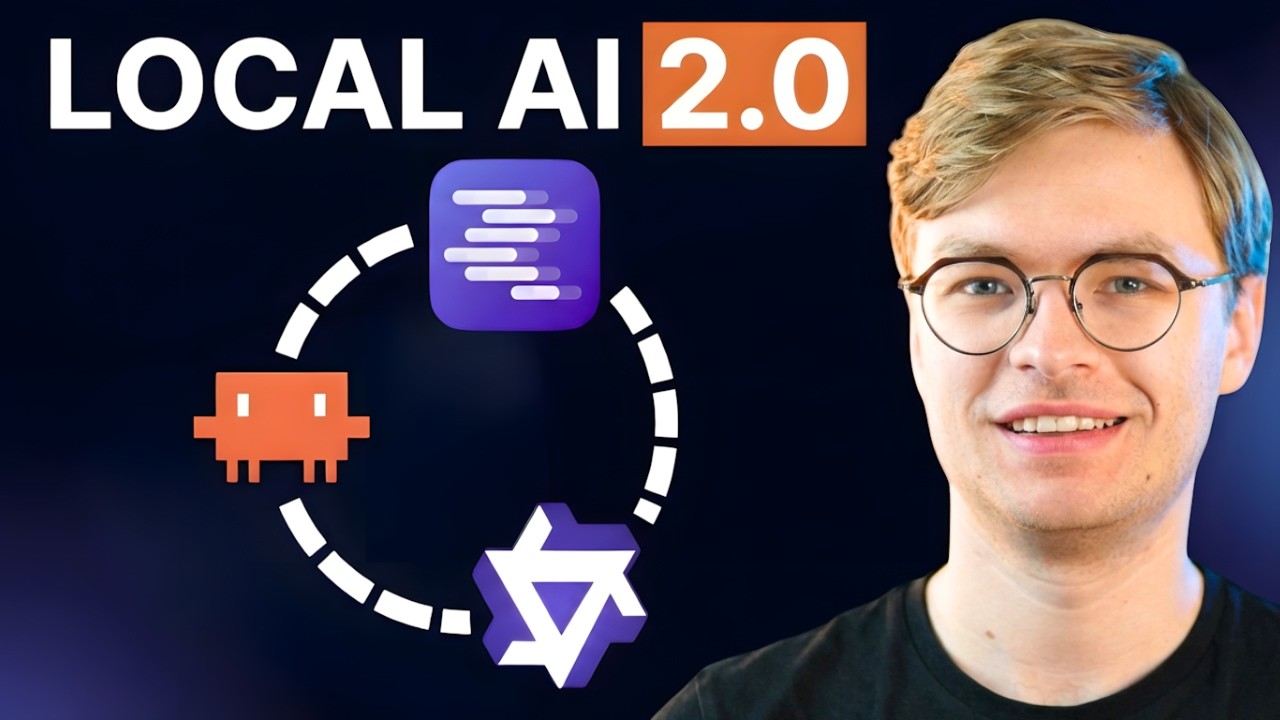
Run Claude Code with local AI models using LM Studio and a powerful GPU, no cloud API keys needed. In this video, I walk through my complete local AI coding setup: running Qwen 3.5 on an RTX 5090, linking my Linux GPU machine to my MacBook using LM Studio Link, and connecting Claude Code to local models through LM Studio’s Anthropic-compatible API endpoint. Then I build a full-stack Next.js dashboard from scratch using only local AI to prove it actually works and I share the real limitations most YouTubers won’t tell you about.
Sources & Documentation
– Claude Code LLM Gateway Configuration: https://code.claude.com/docs/en/llm-gateway
– Use Your LM Studio Models in Claude Code (LM Studio Blog): https://lmstudio.ai/blog/claudecode
– LM Link — Use Your Local Models Remotely (Docs): https://lmstudio.ai/docs/lmlink
– LM Link Product Page: https://lmstudio.ai/link
– LM Studio Developer Docs (Local Server & API): https://lmstudio.ai/docs/developer
What You’ll Learn
– How to run local AI models on your GPU for coding (Qwen 3.5 35B on RTX 5090)
– Why GPU offloading vs system RAM makes a huge difference in local AI speed
– How to use LM Studio Link to share models between machines (Linux GPU → MacBook)
– How to connect Claude Code to local models via LM Studio’s Anthropic-compatible endpoint
– Why Claude Code’s system prompt makes local models much slower than empty chat
– The context window pitfall: why the default 4K tokens hangs Claude Code and how to fix it
– Building a real full-stack Next.js app with Claude Code and local AI models
– How to use sub-agents in Claude Code to maximize a limited local context window
– Running Claude Code in bypass-all-permissions mode safely with dev containers
– Honest comparison: local AI coding vs cloud models — bugs, speed, and trade-offs
Timestamps
0:19 My Local AI Linux Machine
1:43 Expose LLM to weak laptop (LM Studio Link)
3:01 Connecting Claude Code to local model
6:16 Optimize LLM Parameters Locally
7:58 Scoping a full-stack app
8:59 Grounding local AI in documentation
10:41 Keeping track of context
12:09 Context overflow settings
13:09 200k Context Window Build
15:17 The Final App Result
Why I Made This Video
Everyone is promoting Claude Code with local models, but most of them aren’t actually using it for real projects. I wanted to show the full workflow end-to-end — from setting up your GPU to building a real full-stack app including the pitfalls, slowdowns, and honest limitations that other videos leave out.
#localai #claudecode #lmstudio #localllm #aicoding #localcoding #qwen #localaicode #localclaudecode #aiengineering #gpu #selfhostedai #privacyai #lmlink #localcodeassistant
Connect
LinkedIn: https://www.linkedin.com/in/zen-van-riel
Community: https://www.skool.com/ai-engineer
Sponsorships & Business Inquiries: [email protected]
source