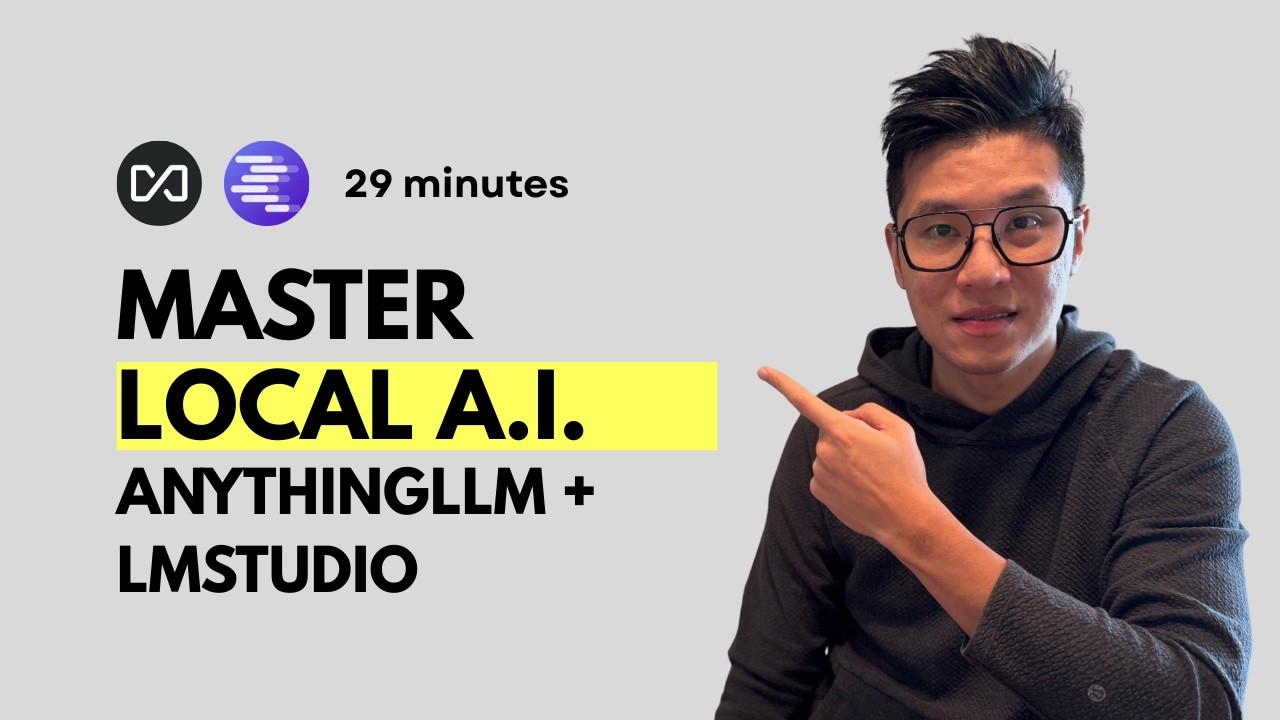
Run AI 100% FREE on Your Computer – No Data Sent to Big Tech (Complete Local AI Setup)
Learn how to run powerful AI models locally on your computer for FREE – achieving 80% of ChatGPT’s capabilities without sending any data to external servers. Perfect for companies with privacy restrictions or anyone wanting to save on AI subscription costs.
**In this tutorial, you’ll learn:**
✅ Extract numbers from receipt photos automatically
✅ Schedule Google Calendar meetings with AI agents
✅ Scrape Reddit/LinkedIn for viral content ideas
✅ Search the internet with local AI (no API costs)
✅ Connect multiple computers to share AI processing power
**🎯 Why Local AI?**
• Complete privacy – data never leaves your computer
• $0 monthly costs (vs $20-200/month for cloud AI)
• Works in countries where ChatGPT/Claude are blocked
• Latest open-source models achieving near GPT-4 performance
**🛠️ Tools Used:**
• LM Studio – https://lmstudio.ai
• Anything LLM – https://anythingllm.com
• Models: Qwen 4B/30B (vision + tool support)
**📊 Benchmark Results:**
Top open-source models now beat GPT-4 on specific tasks:
• Qwen leads in general intelligence
• DeepSeek excels at coding
• Local models handle 80% of typical AI tasks
**Prerequisites:**
• 8GB+ RAM (16GB recommended)
• 10-50GB storage for models
• Any Windows/Mac computer
**💡 Real Use Cases Shown:**
• Receipt scanning for expense tracking
• Reddit/Twitter scraping for content ideas
• LinkedIn notification management
• Meeting scheduling automation
—
**🚀 Ready to Master AI?**
📧 Join my FREE AI newsletter (2,000+ subscribers): https://rumjahn.substack.com/
🎓 **My Courses:**
• Generative AI for Professionals ($39)
• 7-Day N8N Automation Challenge
• Master Vibe Coding – Build AI Apps Without Dev Teams ($300)
👥 Join our AI community of 400+ students who are building profitable AI businesses
🔔 Subscribe for weekly tutorials on AI automation, no-code development, and building AI-powered businesses as a solopreneur
Got questions? Drop them below – I personally respond to comments in the first 24 hours!
00:00 Introduction to Local AI Tools
00:16 Why Use Local AI?
01:17 Setting Up LM Studio
03:28 Downloading and Choosing LLM Models
08:37 Using LM Studio Features
12:34 Integrating Anything LLM
17:54 Advanced Features of Anything LLM
26:43 Connecting LM Studio with Anything LLM
28:57 Conclusion and Community Invitation
#LocalAI #LMStudio #AnythingLLM #AIPrivacy #FreeAI #OpenSourceAI #AIAgents #LocalLLM #QwenAI #AIAutomation #NoCodeAI #AITutorial #PrivateAI #OfflineAI #AITools
source