
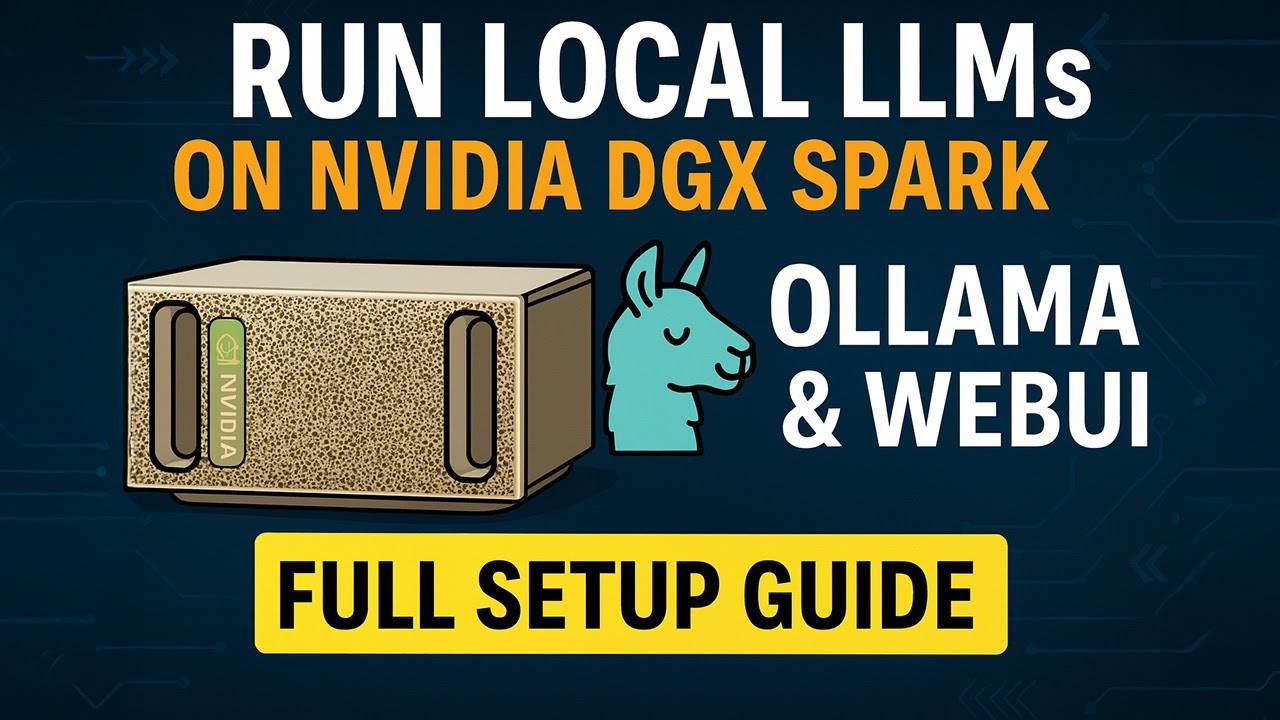
For more information, or to buy a NVIDIA DGX Spark: https://nvda.ws/4nFFtPT
Code: https://github.com/jeffheaton/present/tree/master/youtube/ollama_server
NVIDIA Workbooks: http://build.nvidia.com/spark
In this video, I walk through how to set up an Ollama server on the powerful NVIDIA DGX Spark, letting you run large language models locally—including 70B+ parameter models. You’ll learn how to:
🧠 Use NVIDIA’s DGX Spark notebooks to deploy Ollama via Docker
🖥️ Access the Ollama WebUI remotely for an easy chat interface
🔑 Connect to the local API using OpenAI-compatible Python code
⚙️ Manage models like DeepSeek R01 70B and balance performance vs. context length
This setup works on nearly any Unix-based system, not just the DGX Spark. By the end, you’ll have a fully functional local LLM environment ready for experimentation or integration into your own apps.
👉 Stay tuned for the next video, where I test how large of an LLM the DGX Spark can really run!
📎 Links to NVIDIA’s setup guide and example code are in the description.
#AI #NvidiaDGXSpark #Ollama #LocalLLM #Docker #OpenAIAPI
source


