
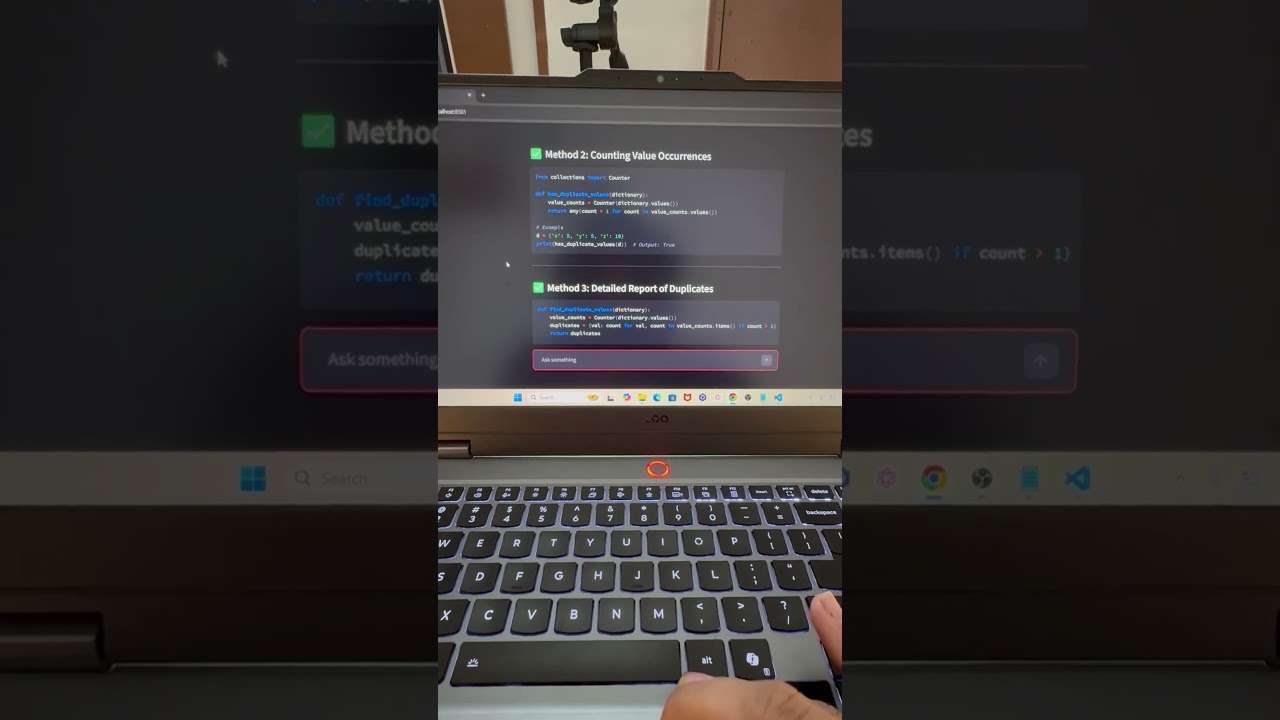
🚀 In this video, you’ll learn how to use the Qwen 3.5 model with Hugging Face API and build a real AI application using Python — completely FREE.
If you are learning Generative AI, LLM APIs, or AI application development, Hugging Face provides access to powerful open-source models like Qwen 3.5 that can be used through a free API token.
In this step-by-step tutorial, I will show you how to:
✔ Generate a Hugging Face API token (free API key)
✔ Access Qwen 3.5 models via Hugging Face API
✔ Connect the model with Python
✔ Build a Streamlit AI application
✔ Monitor token usage and responses
By the end of this video, you will have a working AI application powered by the Qwen 3.5 LLM model using Hugging Face API.
This tutorial is perfect for AI engineers, data scientists, Python developers, and anyone learning Generative AI.
⏱ Chapters
00:00 Intro — Free API Key Series (Part 3)
00:40 Create Hugging Face API Token
01:40 Explore Qwen 3.5 Model on Hugging Face
02:30 Setup Project Folder in VS Code
03:20 Create Python Virtual Environment
04:40 Install Dependencies (requirements.txt)
06:00 Setup .env File (API Token + Model)
07:10 Create Jupyter Notebook Test
09:10 Load Environment Variables
10:00 Connect to Hugging Face API
11:30 Generate Text Using Qwen 3.5
12:10 Monitor Token Usage
12:40 Build AI Application
13:20 Run Streamlit App
13:45 Final Demo
🧠 What You Will Learn
• How to use Qwen 3.5 model for free
• How to create a Hugging Face API token
• Integrate Hugging Face API with Python
• Build AI apps using LLM models
• Create a Streamlit AI application
• Monitor LLM token usage
🛠 Tools & Technologies
Hugging Face API
Qwen 3.5 Model
Python
Streamlit
VS Code
Jupyter Notebook
Environment Variables
👨💻 Recommended For
• AI Engineers
• Data Scientists
• Machine Learning Engineers
• Python Developers
• Generative AI learners
• Developers building AI applications
🔗 Resources & Code
📂 GitHub Repository (Code & Documentation)
👉 Repo link :
📚 Complete GenAI Learning Playlist
👉 Add playlist link
💬 Let’s Connect
📸 Instagram: https://www.instagram.com/datascientistafzal.ai/
💼 LinkedIn: https://www.linkedin.com/in/afzal-mansury/
📢 WhatsApp Channel: https://whatsapp.com/channel/0029VaCLgIn7IUYeJ4zFCO2b
🌐 TopMate (Ask me Anything): https://topmate.io/dashboard/home
🎥 Gear & Products I Use (Affiliate Links)
🎙️ Hollyland Lark M2 Combo : https://amzn.to/4nqWpst
💡 Digitek Ring Light : https://amzn.to/4oLDauW
📷 Digitek Tripod : https://amzn.to/43BjscY
💻 My Laptop Lenovo LOQ 2025 AMD Ryzen 7 250| NVIDIA RTX 5050 8GB : https://amzn.to/4ocqbCp
🎬 My Gaming Chair: https://amzn.to/4qAYrsI
👍 Support the Channel
If this video helped you:
✔ Like the video
✔ Subscribe to the channel
✔ Share with your developer friends
Your support helps create more AI and Data Science tutorials.
qwen 3.5 tutorial
qwen model hugging face
hugging face api tutorial
free hugging face api key
qwen 3.5 python tutorial
hugging face qwen api
qwen llm tutorial
build ai app with hugging face
free llm api tutorial
generative ai python tutorial
source


