Get a Discounted Domain Name & Hosting for Your Website:
👉 https://createaprowebsite.com/hosting117
Use coupon Code: createaprowebsite for an additional 10% discount on all yearly hosting plans.
Website images used in this tutorial:
https://bit.ly/elementortutorialimages
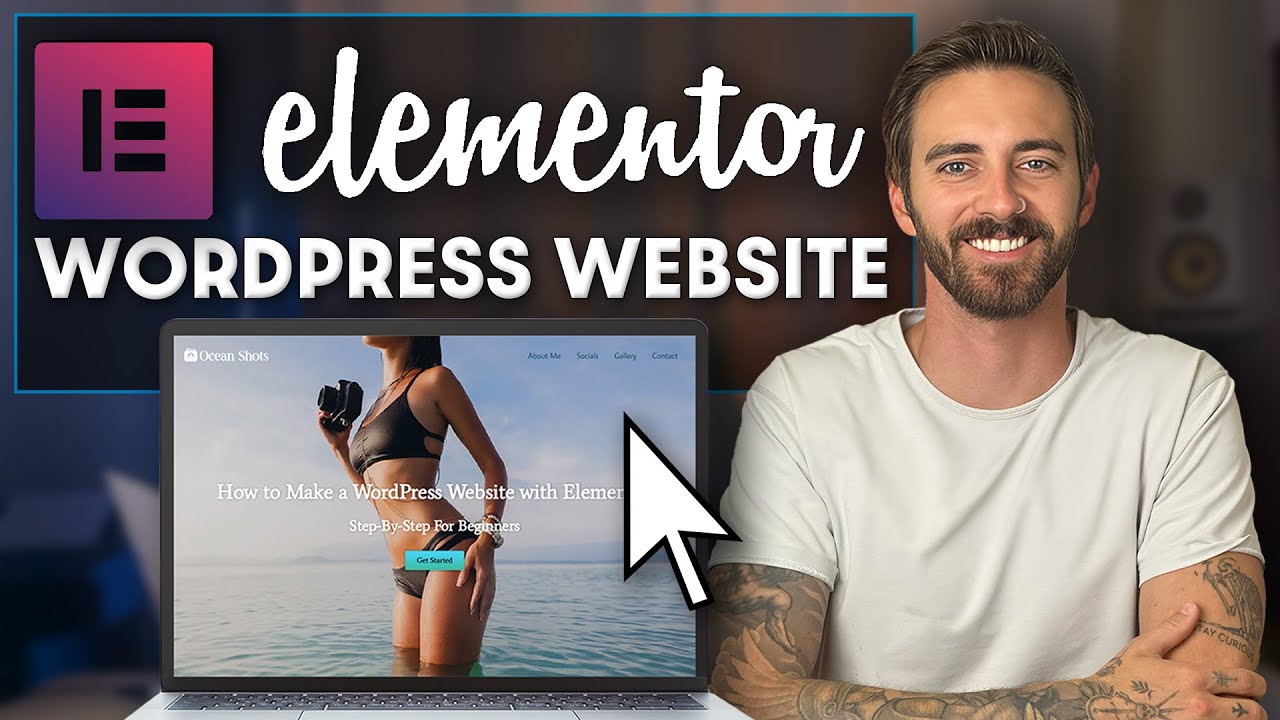
Hey there — I’m Dale McManus, and I’ve been building websites for over 7 years now. Today, I want to show you how to do it too — without touching a single line of code!
In this free step-by-step tutorial, I’ll walk you through how to build a beautiful WordPress website using Elementor, one of the most powerful (and beginner-friendly) tools out there in 2026.
Whether you’re starting a blog, launching a business, or finally getting that passion project online… this video has you covered. We’ll go from blank screen to fully responsive, professional-looking website — all with simple drag-and-drop tools.
If you’ve got Wi-Fi and a dream, you’re in the right place. Let’s build something amazing together.
TIMESTAMPS
—————————————–
0:08 Who this tutorial is made for
0:34 What you will learn
1:23 Step 1: Get a Custom Domain Name & Web Hosting
5:16 Step 2: Install WordPress
6:22 Step 3: Install Astra Theme
6:52 Step 4: Install Elementor
7:43 Step 5: Configure Your Homepage Settings
10:21 Step 6: Customize Your Website
50:56 Step 7: Create a Contact Form
59:21 Step 8: Create a Navigation menu
1:05:39 Step 9: How to Create a Free Logo & Favicon
1:11:11 Step 10: How to Add Pages & Posts
1:12:47 Step 11: Customize Your Footer
1:15:17 Step 12: Edit for Mobile & Tablet Responsiveness
1:21:02 Website Test & Check
FULL WORDPRESS COURSE
—————————————–
https://www.udemy.com/course/how-to-create-a-wordpress-website-with-elementor-2021/
OTHER HELPFUL VIDEOS
—————————————–
How to Make Your First $1000 as a Web Designer
How to Create a Website in 10 Minutes:
How to Create a Business Email for Free
How to Create a Free Logo for Your Website:
FOLLOW & CONNECT WITH US
————————————————–
My Website :
Create a Pro Website Instagram:
https://www.instagram.com/createaprowebsite/
Create a Pro Website Facebook:
https://www.facebook.com/createaprowebsite/
And don’t forget to SUBSCRIBE to Create a Pro Website for more awesome website tutorials:
http://youtube.com/createaprowebsite?sub_confirmation=1
Disclaimer: Some of the links above have an affiliate code – if you purchase with these links, I will receive a small commission at no additional cost to you.
source