
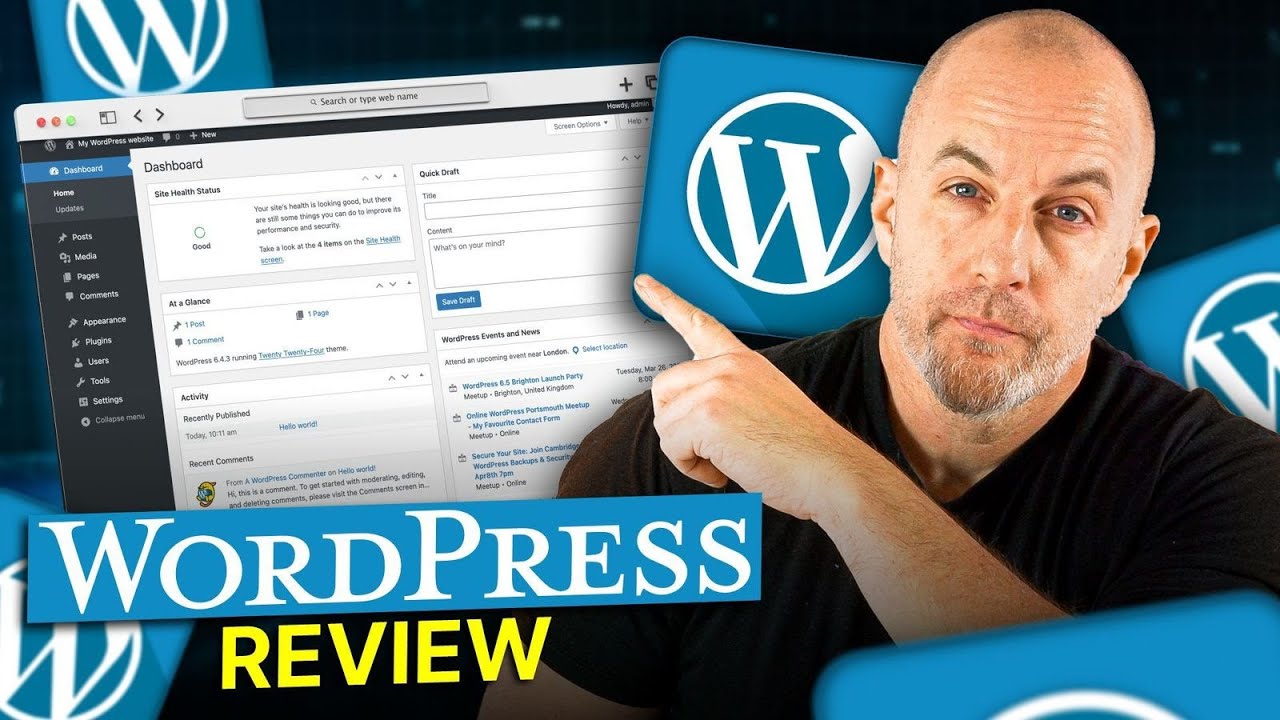
Discover how WordPress powers flexible websites with customizable themes, plugins, and scalable content management tools.
👉 Get MAX Hostinger Discount ➜ https://www.hostg.xyz/SHFpp
💥HOSTINGER COUPON CODE: SITESTARTERS💥
☝️☝️ USE THE CODE ABOVE TO GET ADDITIONAL 10% DISCOUNT
Check out our featured video:
🔗Hostinger Review – https://www.youtube.com/watch?v=I15kODV5gMs
🔗Hostinger WordPress Tutorial – https://www.youtube.com/watch?v=-ebqIt1xekE
🔹DISCLOSURE🔹
This video is supported by Hostinger, but our content remains completely independent. Some links are affiliate links that can give you access to the best deal available. Purchasing through these links provides a small commission that helps support this channel.
💼 *Business Inquiries:*
For sponsorships and collaborations, please contact us at [email protected]
Timestamp Sections:
00:00 Intro
00:41 About WordPress
01:52 How It Works
03:19 User Experience
03:43 About Hosting (Hostinger)
05:04 Create The Site
05:33 Plugins
06:06 Benefit of Using WordPress
06:57 Ideal Users
07:32 Getting Started
06:04 Comparison
08:06 Bottom Line
08:21 Outro
————————————————
What WordPress Actually Is (and Why It Matters)
————————————————
WordPress comes in two versions—WordPress.com and WordPress.org—and the difference between them is what confuses most beginners. WordPress.com is a managed platform with limited customization, while WordPress.org is the fully flexible, open-source version that gives you total control over your design, plugins, data, and long-term growth. With WordPress.org, you can build anything: blogs, portfolios, online stores, business sites, or full news platforms. It’s powerful, customizable, and used by major brands worldwide because it offers real ownership without locking you into long-term limitations. Once you understand the basics, it becomes the most versatile website builder for beginners and advanced users alike.
————————————————
Hosting, Themes, and How WordPress Works Day-to-Day
————————————————
To get your site online, you’ll need hosting—essentially the space where your website lives. A slow host can ruin your site, so choosing a good provider matters. That’s why I personally use Hostinger; you get fast LiteSpeed servers, free SSL, a free domain, daily backups, and a one-click WordPress setup. Once WordPress is installed, you’ll manage everything from a simple dashboard where you can edit pages, install plugins, switch themes, and customize your design without touching code. Themes control how your site looks, while plugins add features like contact forms, SEO tools, newsletters, online stores, and more. WordPress can feel overwhelming at first, but with time it becomes intuitive—and its huge global community makes it easy to find solutions for anything.
————————————————
Who WordPress Is For, What You Can Build, and Final Thoughts
————————————————
WordPress is perfect for anyone who wants full control and the ability to grow their website over time—creators, freelancers, small businesses, or anyone who wants more than a simple drag-and-drop page. With the right hosting plan, you can launch a basic website in under an hour, customize every part of it, and expand it as your needs change. You don’t need to know how to code, and tools like Elementor or Bricks make it even easier to design pages visually. While WordPress takes a little learning, it gives you long-term flexibility that platforms like Wix or Squarespace simply can’t match. If you want to try it for yourself, I’ve included a link to Hostinger below—use code SITESTARTERS for an extra 10% off. Thanks for watching, and I’ll see you in the next one!
Hope you enjoyed my WordPress Review | Breakdown Of Strengths And Limitations Video.
source


