
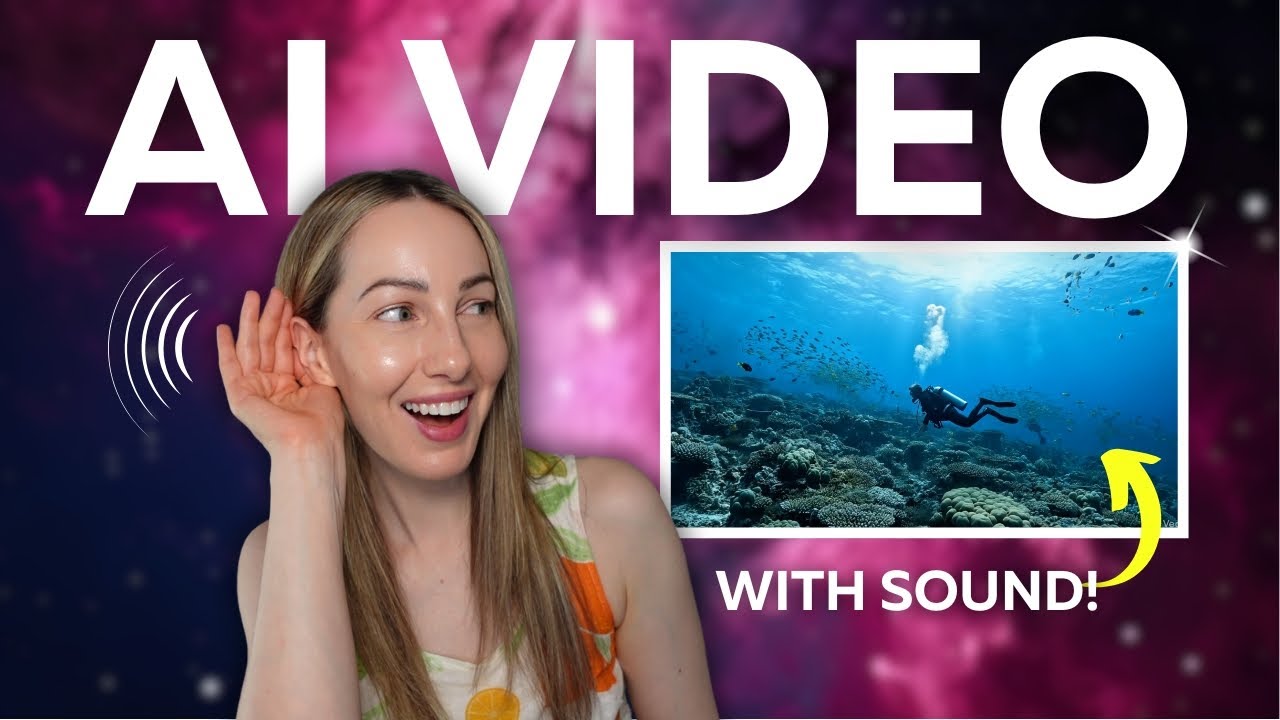
Here’s how to create AI generated video with sound in Gemini. 🔔 SUBSCRIBE for more Tech Tips: https://www.youtube.com/tasiacustode?Sub_Confirmation=1
Support me here: https://ko-fi.com/tasiacustode
Become a Patron: https://www.patreon.com/TasiaCustode
Hey friends, I’m Tasia Custode and in this video, I’m sharing a Google Veo 3 tutorial. I’ll show you how to create AI generated video in Gemini using Veo 3. You won’t believe how easy it is to create quick video with a simple prompt.
What do you think of Veo 3? Drop a comment below.
NEW COURSE! Master Your Google Suite of Apps:
https://bit.ly/EverythingGoogleCourse
👀WATCH MORE GMAIL VIDEOS:
📹Gemini Veo 2: https://youtu.be/EdHt3_Brnxo
📹Gemini Deep Research: https://youtu.be/X6Ti3HoVnaw
📹Gemini Canvas and Audio Overview: https://youtu.be/Z_bXnKSmSQM
📹Hands-On with Gemini Live: https://youtu.be/8qw3c3wE0u4
📹Gemini in Google Slides: https://youtu.be/wxNq_TMK930
📹NotebookLM Use Cases to Try: https://youtu.be/Kbxs-ZWYyzg
📹Gemini Advanced: https://youtu.be/o1-_se_8uOc
⏰ TIMECODES:
00:00 – What is Gemini Veo 3?
00:53 – How to Create Video with Sound in Gemini
03:27 – Availability
Did you find this video helpful? Have questions or comments? Leave your thoughts in the comment section below.
Connect with me @tasiacustode or http://www.tasiacustode.com/
DISCLAIMER:
Links included in this description might be affiliate links. If you purchase a product with the links I’ve provided, I may receive a commission. There is no additional charge to you! Thank you for supporting my channel so I can provide helpful content to you each week!
📷 YOUTUBE CAMERA GEAR:
Panasonic GH5 Lumix Kit: https://geni.us/teLeWzz
Sony ZV1 Camera & Vlogging Kit: https://geni.us/B6pj
Rode VideoMic Pro+: https://geni.us/yfXsy
Vanguard Alta Pro Tripod: https://geni.us/3Ougb
Sony E Series SD Card: https://geni.us/BBi1Yxd
Neewer Ring Light Kit: https://geni.us/3ho03WZ
Neewer Desktop Ring Light: https://geni.us/quBpGZ
Raleno LED Camera Light: https://geni.us/mMi6GIE
🎙️Podcast Mic: https://geni.us/TB3AA
⌚️MY APPLE WATCH BAND: https://geni.us/1IMxe
✅ RECOMMENDATIONS:
👩🏼🏫Google School: https://tasiacustode.thinkific.com/courses/MasteringGoogle
🎦 I use Tubebuddy to grow my YouTube Channel: https://www.Tubebuddy.com/tasiacustode
🎵I use AudioHero for my music and SFX needs: https://download.audiohero.com/#!explorer?_aff=tasiacustode Use code: TASIA50 for 50% off an annual plan for one year or TASIA30 30% of a monthly Prodigy plan for six months
🖼I use Canva to create all my YouTube thumbnails: partner.canva.com/jWXqOv
🎞 I use Tella for screencasting: https://tella.tv/?via=tasia
🗂️ File Storage: http://sync.com/tasia
📧 Email Management: https://try.sanebox.com/tasiacustode
⚙️ DOWNLOAD MY DIGITAL TOOLKIT:
https://www.tasiacustode.com/digitaltoolkit
🤝 CONNECT WITH ME:
📸 Instagram – https://www.instagram.com/tasiacustode/
👍🏻 Facebook – https://www.facebook.com/TasiaCustode
🖥 Website: http://www.tasiacustode.com/
Did you find this video helpful? Have questions or comments? Leave your thoughts in the comment section below.
If you like this video, give a like, a share, or subscribe for more tech tips and app reviews.
#GeminiVeo3 #EarlyAccess
source


