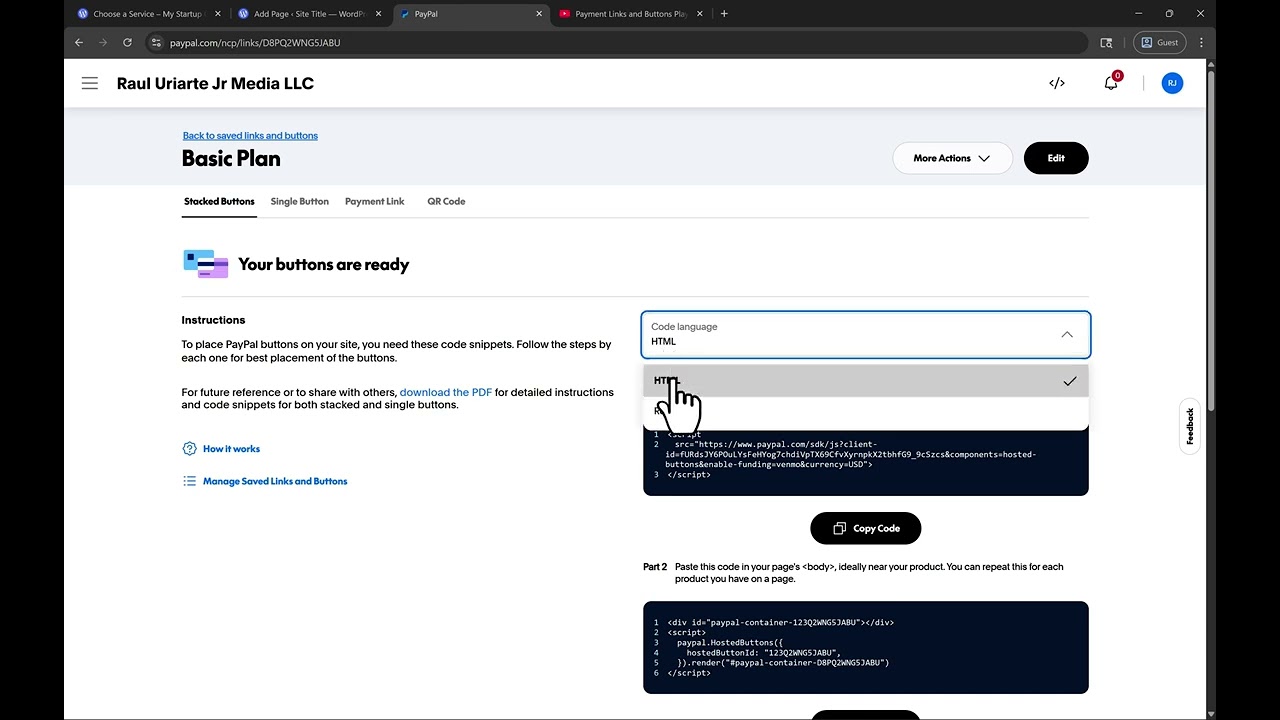
In this video guide we show you how to use and configure our official PayPal Payments buttons WordPress Plugin.
Links shown in the video:
How to set up and use PayPal Payment Buttons on a WordPress website?
Eligibility: You will need a PayPal business account: Sign up or log in to PayPal to get your Payment Button code.
• If you created your website on WordPress.com:
◦ PayPal Payment Buttons are auto-installed on your WordPress site and available in the WordPress FREE plan.
◦ When creating a post, insert the PayPal Payment Buttons block in the block editor by typing /PayPal or clicking the “+” button, then searching PayPal.
◦ More information: https://wordpress.com/plugins/paypal-payment-buttons
• If you created your website on WordPress.org (self-hosted):
◦ Download the plugin: https://wordpress.org/plugins/paypal-payment-buttons/
◦ Upload, install, and activate the PayPal Payment Buttons plugin.
◦ When creating a post, insert the PayPal Payment Buttons block in the block editor by typing /PayPal or clicking the “+” button, then searching PayPal.
• If you built your website on another platform or technology:
◦ You can directly create Payment Links and Buttons in your PayPal account.
◦ Just copy and paste a few lines of code to start getting paid — no technical knowledge or API required!
source