Get Web Hosting: https://www.darrelwilson.com/hostinger
Get Elementor PRO https://www.darrelwilson.com/elementor
Try Omnisend Free: https://www.darrelwilson.com/omnisend
Free Header Template: https://drive.google.com/file/d/1-yQ4Nlx4sP3JT4t_hTR_wk7ORabnlL13/view
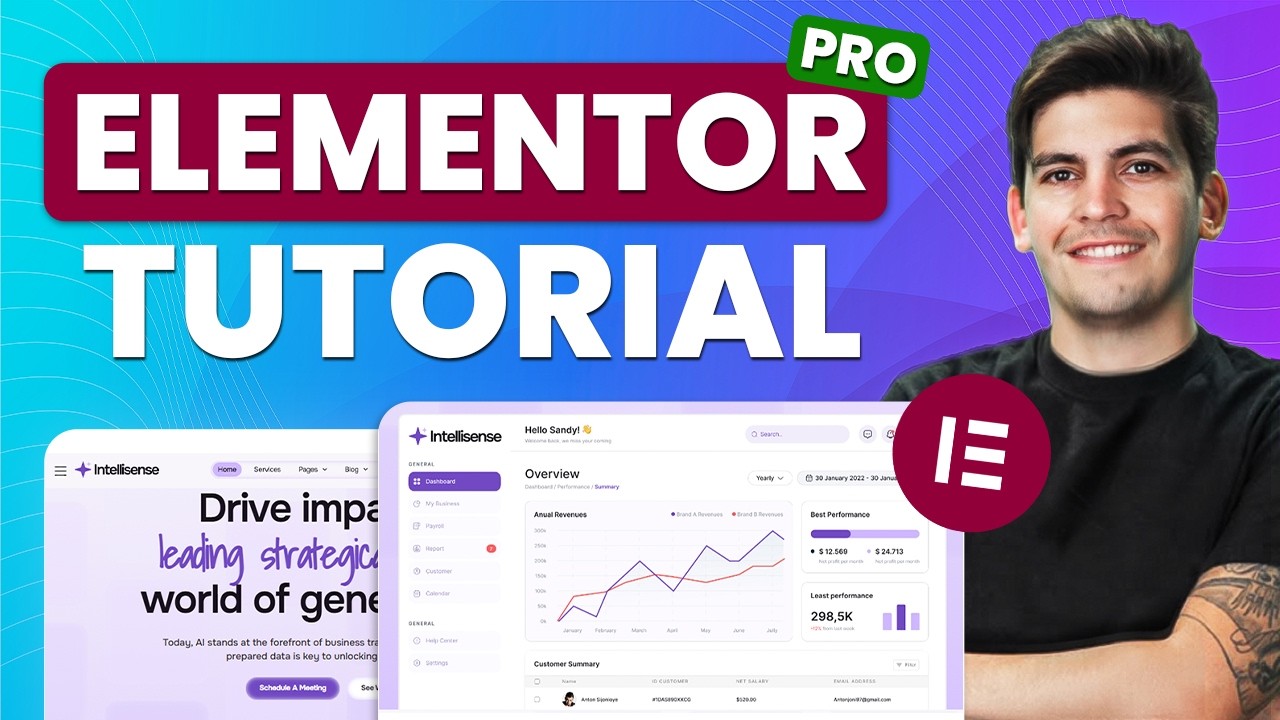
Ready to build a professional WordPress website with Elementor PRO? In this step-by-step 2025 tutorial, I’ll walk you through the entire process — from hosting, theme setup, free Elementor features, and finally the full power of Elementor PRO. Whether you’re a beginner or upgrading your skills, this is the ONLY guide you need.
In this WordPress tutorial, you’ll learn:
✅ How to install WordPress the right way
✅ How to design every page using Elementor Free
✅ How to use Elementor PRO to unlock Theme Builder, Popups, Mega Menus & Dynamic Content
✅ How to build a beautiful homepage, services page, contact page & more
✅ How to customize headers, footers, forms, and global templates
✅ How to create a modern, mobile-friendly design for 2025
✅ My personal Elementor PRO workflow & shortcuts
Timestamps
00:00 Intro
04:07 Get Hosting
14:47 Install theme and import template
18:00 How To Use Elementor
23:33 How To Use Flexbox
26:54 How To Use Grid Layout
31:41 How To Use Elementor PRO
36:09 Pro Elements Overview
38:08 CSS AI
44:37 Loop Grid
52:35 Backend PRO Features
55:47 Floating Elements
58:14 Floating Bars
59:40 Elementor Pro Templates?
01:01:02 Theme Builder tutorial
01:04:46 Pop Ups
01:07:46 Creating Custom Headers
01:14:31 Creating Custom Footers
01:16:51 Creating Custom 404 Pages
01:18:34 Creating Custom Post Templates
01:22:02 Creating A Mega Menu
01:27:26 Elementor PRO Templates
01:28:16 Hidden Elementor PRO Features
01:30:46 Outro
By the end of this video, you’ll have a fully built, high-converting website ready for clients, businesses, or any personal project. Feel free to visit my website at https://www.darrelwilson.com
source